Overview
- Supported Networks: 100+ Cosmos SDK chains, EVM, and Solana
- Staking Yields: Up to 22% APY on assets like ATOM and TIA
- Security Model: Full self-custody with hardware wallet integration
- Transaction Fees: $0.00 platform fee (only native network gas)
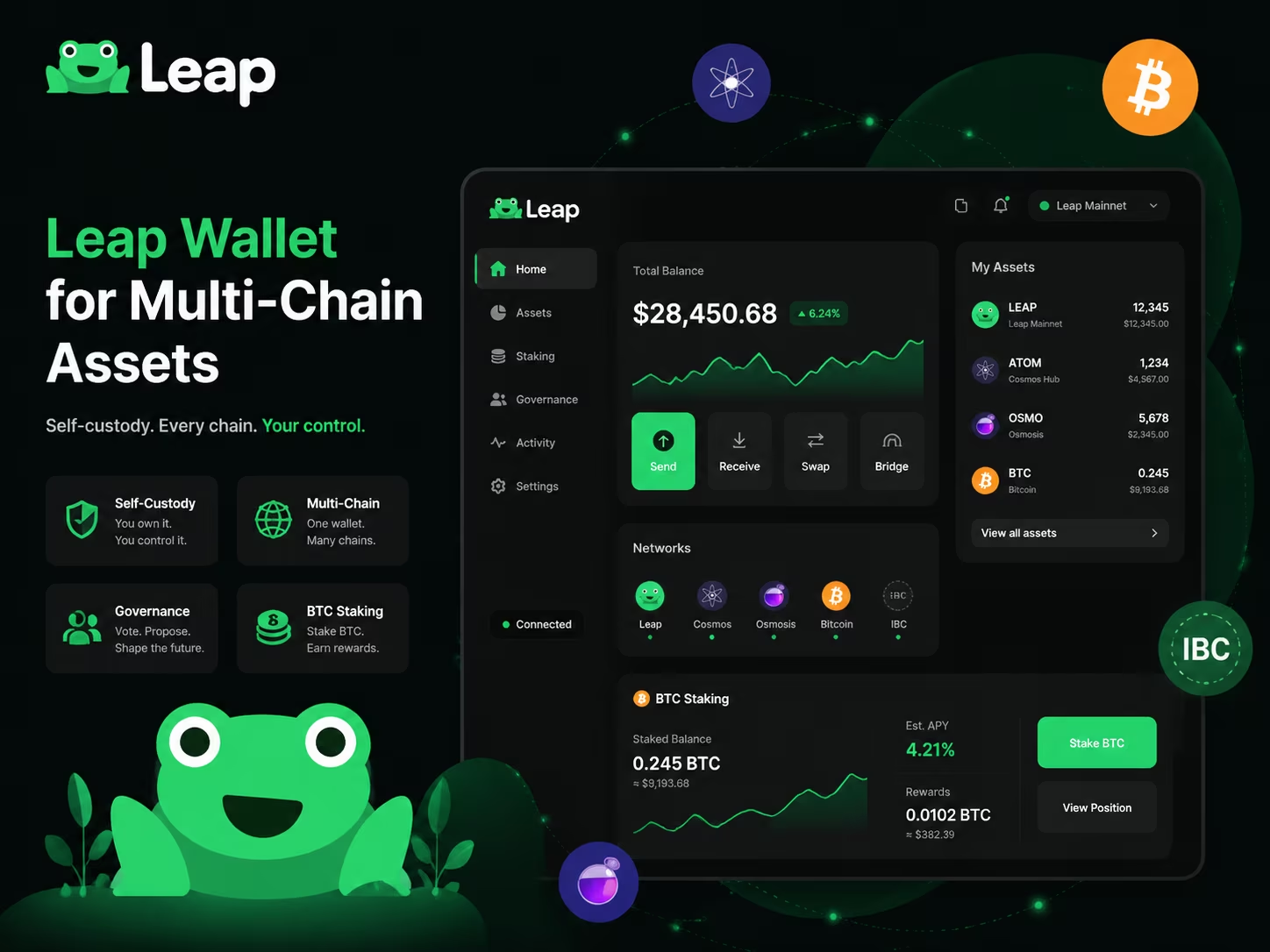
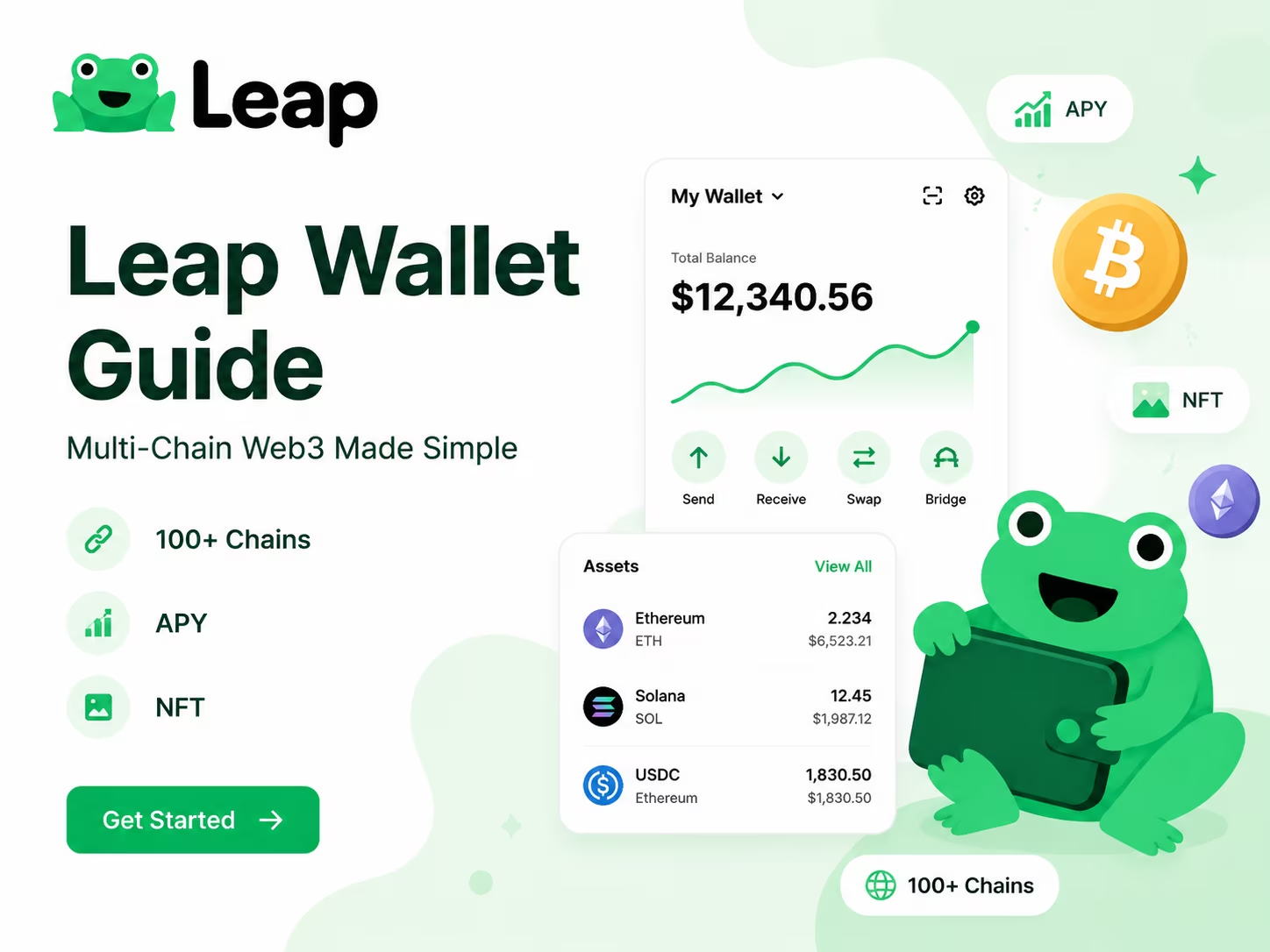
Leap Wallet is a non-custodial multi-chain gateway designed for seamless asset management across Cosmos, Solana, and EVM networks. By eliminating complex RPC configurations, it provides you with a unified interface for decentralized swaps, liquid staking, and NFT tracking. You maintain total control over your private keys while accessing institutional-grade DeFi tools and cross-chain liquidity directly from your browser or mobile device.
Core Features That Make Leap Wallet Useful
The Leap Wallet dashboard hands you a single, clean view of everything you hold across multiple chains — balances, tokens, NFTs, and staking positions, no tab-switching required. That kind of consolidated portfolio visibility hits different when you’re actively juggling assets across Cosmos, EVM networks, and beyond. Forget bouncing between block explorers or firing up three separate apps just to check your position. You get one unified interface, real numbers, right now. For anyone serious about Web3 in 2026 — where onchain activity routinely spans dozens of networks — this isn’t a premium feature. It’s the minimum bar.
Address management in Leap is refreshingly friction-free: create multiple accounts, label them whatever makes sense to you, and flip between them in seconds. Token transfers run directly from the dashboard — pick a token, paste a destination address, confirm, done. Gas estimation happens automatically in the background, which quietly eliminates one of the most consistent headaches for newer users. Transaction notifications tell you exactly when something goes through, so you’re never left staring at a pending screen wondering if the chain ate your funds. Small details, sure. But stack enough of them together and the difference in daily usability becomes impossible to ignore — especially compared to wallets that still demand manual gas configuration or give you zero real-time feedback.
Connecting to dApps through Leap follows the cleanest possible flow: visit the dApp, hit connect, approve the request inside Leap, and you’re live. No ceremony. What genuinely separates Leap from the crowd is how far that connection reaches. According to the Leap Wallet Official Documentation, the wallet covers a wide range of networks — Cosmos ecosystem chains, EVM-compatible networks, and additional ecosystems — with detailed in-app guidance for each. That translates to real access: DeFi protocols, NFT marketplaces, governance platforms across different chains, all from one wallet, one seed phrase, zero context-switching.
Built-in staking tools let you delegate tokens, track rewards, and manage validators without ever leaving the interface. NFT visibility comes standard too — your digital assets surface right alongside your token balances rather than hiding in some separate viewer you’ll forget to check. For users who need to manage crypto assets across an expanding onchain ecosystem, Leap handles that complexity without turning the interface into a cockpit nobody wants to learn. Portfolio visibility, multi-network reach, and integrated ecosystem tools in one place — practical for a first-time user on day one, and still useful for a seasoned Web3 native on day three hundred.
Leap Wallet Features at a Glance
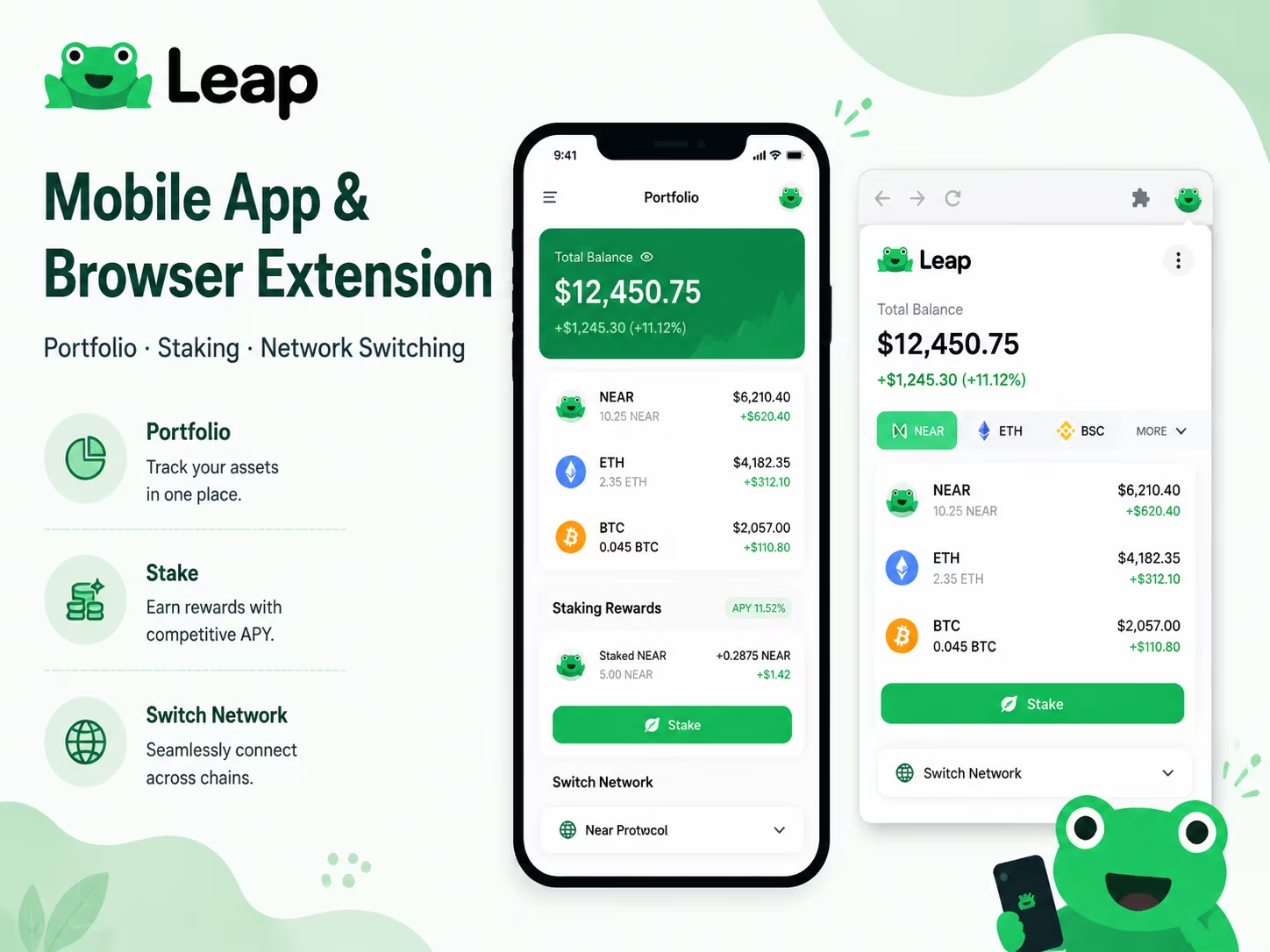
Choosing the right interface depends on your daily workflow. If you are managing assets on the go, the mobile app provides biometric security and a built-in dApp browser. For heavy DeFi activity or governance, the browser extension offers a more robust desktop experience. Below is a breakdown of how Leap Wallet handles core Web3 functions across its platforms.
| Feature | Availability & Details | Primary Use Case |
|---|---|---|
| Mobile App | iOS & Android | On-the-go tracking and dApp browsing |
| Browser Extension | Chrome, Edge, Brave | Desktop DeFi and NFT management |
| Staking | Cosmos, EVM, Bitcoin | Earning rewards directly in-wallet |
| Asset Swaps | Built-in Aggregators | Instant cross-chain and IBC transfers |
| NFT Gallery | Visual Tracking | Viewing and managing digital collectibles |
| Hardware Support | Ledger (USB/Bluetooth) | Cold storage security for large balances |
Data source: Leap Wallet Official Documentation — Confirms multi-platform availability, 200+ network support, and core features.
How to Set Up Leap Wallet for the First Time
Setting up a non-custodial wallet is the first step toward full ownership of your digital assets. In the current Web3 environment, security and UX are no longer optional—they are the standard. Follow these steps to configure your Leap Wallet correctly and ensure your private keys remain under your control.
- Install the extension or mobile app. Download Leap Wallet from the official website or your browser’s web store. Using official sources is the only way to avoid phishing clones that target your seed phrase.
- Select "Create New Wallet". Open the application and choose the option to generate a fresh set of keys. This process happens locally on your device; your data is never sent to a centralized server.
- Secure your recovery phrase. The app will display a 12 or 24-word seed phrase. This is the master key to your funds. Write it down on physical paper and store it in a secure location. Digital copies, screenshots, or cloud storage are high-risk targets for automated malware.
- Verify the seed phrase. Confirm the words in the correct order as prompted by the setup wizard. This step ensures you have recorded the phrase accurately before the wallet is activated.
- Set a strong local password. Create a unique password to encrypt the wallet on your specific device. This protects your interface from unauthorized local access but does not replace your recovery phrase if you lose your device.
- Explore the dashboard and networks. Once the setup is complete, you can view your addresses across supported chains. You are now ready to deposit assets, stake tokens, or connect to dApps within the ecosystem.
Supported Ecosystems and Cross-Chain Access
Leap Wallet gives you native access to 50+ Cosmos-based chains from a single interface — no app-switching, no seed phrase juggling, no compromises. Cosmos Hub, Osmosis, Juno, Stargaze, Celestia, dYdX — all of it, right there. If you’re seriously active in Cosmos, this kind of native integration isn’t a feature bullet point. It’s the difference between a smooth workflow and a daily headache.
Cross-chain movement runs on IBC — the Inter-Blockchain Communication protocol that actually holds the Cosmos network together. Move tokens between supported chains directly inside the wallet. No third-party bridges. No external tools. That last part matters more than people realize: bridge exploits have drained hundreds of millions from users who thought they were taking a "standard" route. Keeping transfers inside a protocol-native flow cuts that exposure at the root. The Leap Wallet Official Documentation covers the full scope of IBC workflows and chain interoperability — worth reading if you’re managing serious cross-chain positions.
Cosmos is the core. But Leap doesn’t stop there. EVM-compatible networks and Solana are both supported, which turns this into a genuinely multi-ecosystem tool rather than a single-lane wallet. EVM support lets you touch Ethereum-compatible DeFi without leaving your setup. Solana adds coverage for one of the fastest-moving NFT and high-throughput environments in crypto. And across all of it, Leap connects directly to dApps — so when an opportunity appears on a chain you don’t usually live on, you’re not scrambling to set up a new wallet from scratch.
The bottom line is simple. Cosmos assets, EVM tokens, Solana holdings — one wallet, one interface, cross-chain access baked into the core experience. Not bolted on. Not an afterthought. On-chain environments in 2026 are layered, fast-moving, and brutally interconnected. A wallet that can’t keep up with that reality doesn’t just slow you down. It costs you.
Connect your wallet
Once you have explored the supported assets and ecosystem opportunities, the next step is to interact with decentralized applications directly. Connecting your wallet allows you to manage your portfolio and access Web3 services across multiple networks with a single interface.
Connect WalletStaking, Governance, and Earning Tools Inside the Wallet
Leap Wallet hands you a complete toolkit to earn staking rewards, vote on governance proposals, and manage every delegation — all inside one asset management app, no block explorer tabs, no third-party dashboards. Pop open the staking section and you get a live validator list: commission rates, uptime history, voting power, all right there. Pick a validator, set your amount, confirm. Done. The wallet broadcasts your delegation, tracks the unbonding period, and shows accumulated rewards updating in real time.
Validator selection is massively underrated. That 0% commission validator looks tempting — until their uptime craters below 95% or a slashing event hits your position directly. Leap Wallet surfaces exactly what you need to make a smart call: commission percentage, self-bonded stake, recent block performance. No guessing. And if a validator starts underperforming? Redelegation is built into the same flow — you move your stake to a stronger validator without sitting through the full unbonding window. Network conditions shift fast. That flexibility is not optional. As detailed in the Leap Wallet Official Documentation, the interface supports full staking mechanics and validator-level ecosystem participation natively, making it genuinely useful for both delegators and validators who want one clean place to operate.
Governance is where most token holders quietly leave influence on the table. Every major Cosmos-based network runs on-chain votes — upgrades, parameter changes, treasury allocations, validator set rules. Leap Wallet aggregates active proposals across supported chains and lets you cast your vote — Yes, No, Abstain, or No with Veto — right from the app. No separate governance portal. No wallet reconnect ritual. Your full voting history stays visible inside the interface, so you can actually track what you supported and when. For anyone who takes on-chain governance seriously, removing that friction is the difference between participating and just watching.
Position monitoring ties the whole picture together. The asset management view shows your total staked balance, pending rewards, active delegations broken down by validator, and upcoming unbonding events — consolidated, in one place. Claim rewards manually when you want, or build a compounding routine by restaking claimed tokens straight back into your chosen validator. Complex tokenomics and layered reward schedules across multiple chains demand a clear dashboard. Not a nice-to-have. A necessity — because knowing exactly what is locked, what is liquid, and what is actively earning is the only way to run a real yield strategy without flying blind.
Costs, Network Fees, and What Users Actually Pay
Understanding the cost structure of your wallet is essential for managing your on-chain assets efficiently. Leap Wallet operates on a transparent model: the software itself is free, while transaction costs are determined by the blockchain networks and liquidity providers you interact with. In 2026, as the Cosmos ecosystem and Ethereum Layer 2s become more integrated, these fees remain the primary factor in your transaction history.
| Cost Category | Estimated Fee | Who Receives the Fee? |
|---|---|---|
| Software Access | $0.00 | Free to download and use |
| Network Gas Fees | <$0.01 to $10+ | Network validators (varies by chain) |
| In-Wallet Swaps | 0.1% – 0.5% | Liquidity providers and protocols |
| Cross-Chain Bridging | Network Gas Only | Skip/Squid protocol gas costs |
| Staking Commissions | Varies (e.g., 5%) | Deducted from rewards by validators |
How Leap Wallet Fits the US Regulatory Context
Leap Wallet belongs to a regulatory category that US lawmakers have gone out of their way to protect — and in 2026, that protection finally has teeth. Hold your own private keys, interact directly with the blockchain, cut out every intermediary — and the legal landscape shifts entirely in your favor. US regulators treat non-custodial wallet software as exempt from broker registration requirements, provided users control their own keys and the developer plays no meaningful role in executing transactions. One architectural choice. Enormous legal consequences.
The picture sharpened fast in early 2026. As KuCoin News confirms, the CFTC issued a no-action letter to Phantom exempting self-custody wallet developers from broker registration — with Chair Selig announcing at Consensus Miami that formal rulemaking to lock in these protections is already underway. The SEC’s February 2026 submission reinforced the same logic: a wallet with a neutral interface that exercises zero discretionary control over user assets simply does not qualify as a broker. The Bank Secrecy Act lands in the same place — non-custodial providers are excluded from money transmission and AML obligations because they never touch user funds on anyone’s behalf. These aren’t loopholes carved out by clever lawyers. They reflect the core architecture of genuine self-custody.
For you as a user, this framework has real, immediate consequences. Staking tokens, swapping on a DEX, bridging across chains — those are direct network interactions, full stop. The IRS treats you as the party conducting the transaction, not some platform acting on your behalf, which means you carry full tax responsibility for staking rewards and swap gains. Wallet security? That’s yours too. No custodian can freeze, recover, or insure your funds. That’s the trade-off of true self-custody — and it’s worth understanding clearly, not glossing over, before you move a single asset on-chain.
The bottom line cuts clean. Choosing a self-custody wallet means operating in a space regulators have deliberately carved out to protect user autonomy and developer innovation. The 2026 rulemaking process is pushing toward formalizing these protections, giving both users and developers genuine long-term certainty. Leap Wallet is built on exactly this model — software that lets you manage digital assets directly, with no intermediary holding your keys or controlling your transactions. That’s not a marketing bullet point. It’s the foundation of how wallet security and regulatory compliance actually fit together in today’s US environment.
Security Risks Users Should Understand Before Connecting dApps
The moment you connect your wallet to a dApp, the risk is live — and if something goes wrong, nobody is coming to fix it for you. Non-custodial wallets hand you complete control over your assets. Complete control means complete responsibility. No support ticket. No chargeback. No undo button.
Phishing and malware are the two heaviest hitters in the threat landscape. A convincing fake site. A spoofed token approval. A browser extension you installed six months ago without reading the reviews. Any one of these can empty a wallet faster than you can close the tab. Your seed phrase — those 12 to 24 words — sits at the absolute center of secure crypto storage. Lose it, and your funds are gone forever. Let someone else see it, and your funds are also gone forever. The math here is brutal and symmetrical. Write it down on paper, lock it somewhere physically secure, and treat any website or app that asks you to type it in as an immediate red flag. As Stripe points out, phishing and malware combined with the irreversibility of user errors define the real risk profile of owning a non-custodial wallet.
Smart contract approvals are where most people get quietly robbed. Every time you approve a contract to spend your tokens, you’re granting ongoing access — often unlimited, often with no expiration date. You forget about it. The contract doesn’t. Malicious or sloppily audited contracts can exploit those open approvals months later. Before you sign anything, slow down: which contract address is being called, what permissions are actually being granted, what’s the token amount? Cross-chain transfers demand the same discipline — wrong network, wrong address format, and that transaction becomes a permanent donation to the void. Slippage settings in DeFi are another quiet trap in volatile markets if you leave them on autopilot.
The habits that actually protect you are unglamorous but they work. Keep your seed phrase backup strictly offline — no cloud, no screenshots, no notes app. Use a hardware wallet for anything beyond spending money. Verify both the destination chain and the recipient address before every single transfer, every time. Revoke unused token approvals regularly with on-chain tools — this takes five minutes and closes real attack vectors. Enable two-factor authentication on every exchange or service touching your wallet. And stay cold-eyed about unsolicited links, even from accounts that look completely legitimate. The on-chain environment in 2026 is more complex and the attack surface is wider than ever — but the fundamentals of secure crypto storage haven’t shifted. Get the basics right, and you’re already ahead of the vast majority of people who lose funds in the real world.
Why Multi-Chain Wallets Are Becoming the Main Web3 Interface
Multi-chain wallets have stopped being a nice-to-have — they are now the primary control panel for anyone serious about Web3. The logic is brutal in its simplicity: blockchains keep multiplying, and no real participant operates on just one. Staking on a Cosmos-based network, bridging assets to an EVM chain, tracking NFT positions across ecosystems — all of that demands a single point of control. One dashboard. Multiple networks. Zero context-switching.
The push toward unified wallet architecture comes from a genuine UX crisis. Running separate wallets for each chain means fragmented balances, a graveyard of seed phrases, and absolutely no clear picture of what you actually hold. Portfolio tracking inside a single interface cuts through that mess directly — total asset view, staking rewards, token positions, all in one place. As active chains keep stacking up through 2026, the cognitive cost of managing disconnected tools stops being an inconvenience and starts being a real barrier. Integrated wallets tear that barrier down. The Leap Wallet Official Documentation makes this explicit: the wallet is architected around unified ecosystem access and cross-chain product design — which is precisely where the market is heading.
Chain abstraction is the engine powering all of this. A well-built wallet handles the routing logic internally, so you never have to manually figure out which chain holds which asset or how to push a transaction between them. You just swap, stake, bridge, explore dApps — without touching RPC configurations or hunting down gas tokens across five separate networks. Built-in wallet explorer tools let you inspect on-chain activity, verify contract interactions, and audit your transaction history without ever leaving the app. That depth of integration is what separates a genuinely modern Web3 wallet from a glorified key manager.
Wallets that win in this environment combine breadth with brutal clarity. Cross-chain access means nothing if the interface is a mess or the data cannot be trusted. The wallets pulling ahead right now do a specific set of things well: they surface accurate portfolio data, highlight relevant DeFi opportunities, work equally hard on mobile and in the browser, and give you enough on-chain transparency to make decisions you can actually stand behind. So if you are choosing your main Web3 interface, stop asking only "how many chains does it support." Ask the harder question — "how well does it help me understand and act on everything I hold across all of them."
Conclusion
Leap Wallet cuts through the noise: one clean interface, full Cosmos ecosystem access, and zero unnecessary complexity standing between you and your crypto. Whether you’re stepping into Web3 for the first time or juggling a multi-chain portfolio you’ve built over years, Leap hands you exactly what you need — send, receive, stake, explore dApps, manage NFTs — all from your phone or browser, without a manual the size of a textbook.
Here’s what actually separates Leap from the crowd of wallets fighting for your attention. It doesn’t make you earn the right to do something useful. Stake tokens on day one. Jump between supported networks without a tutorial. Connect to dApps and start interacting immediately. The onchain environment keeps getting more layered and complex — Leap moves in the opposite direction, keeping the experience sharp, fast, and genuinely approachable for anyone who just wants a tool that works.
Now, the part nobody likes to talk about but everybody needs to hear. Self-custody means you hold the keys — literally. Your seed phrase is not a password reset option. No support team, no recovery form, no second chance. Write it down, store it offline, never photograph it, never type it into anything that asks for it unexpectedly. For serious holdings, pair Leap with a hardware wallet. Treat phishing attempts as a permanent background threat, not a rare event. These aren’t advanced tips for power users — they’re the floor, the absolute minimum, for anyone managing their own assets.
Bottom line? Leap delivers where it counts. Actively developed, broad network coverage, a feature set that respects both beginners and experienced users, and an interface that never makes you feel like you’re operating heavy machinery. Get it set up, lock down your seed phrase, and you’ve got a genuinely solid base for everything the Cosmos ecosystem — and the wider Web3 world — throws at you.
Import your old wallet
Switch to a more efficient on-chain experience. Move your existing assets to Leap Wallet in seconds using your recovery phrase and take full control of your portfolio with our non-custodial infrastructure.
Connect NowLeap Wallet Pillar Cluster
This pillar page anchors the Leap Wallet brand cluster and links to support pages that answer narrower search intents.
Educational content only. Non-custodial wallet users are responsible for seed phrase backup, transaction review, dApp permissions, taxes, and network fees. Nothing here is financial, legal, or tax advice.
Frequently Asked Questions
What networks does Leap Wallet support?
Leap Wallet supports 100+ Cosmos SDK chains, EVM-compatible networks, and Solana, giving you access to a wide range of ecosystems from a single interface. You can manage assets, stake tokens, and connect to dApps across all supported networks without switching wallets.
Is Leap Wallet free to use?
Yes, Leap Wallet is completely free to download and use with no subscription fees or premium tiers. The only costs you encounter are standard blockchain network gas fees and small aggregator fees (0.1%–0.5%) when using built-in swap features, which go directly to liquidity providers and protocols.
How do I keep my Leap Wallet secure?
The most critical step is safeguarding your 12 or 24-word seed phrase — write it on paper, store it offline, and never share it or type it into any website that requests it. For larger holdings, pairing Leap Wallet with a Ledger hardware wallet via USB or Bluetooth adds a strong additional layer of cold storage security.
Can I stake crypto directly inside Leap Wallet?
Yes, Leap Wallet includes built-in staking tools that let you delegate tokens, browse validators with live commission and uptime data, track rewards in real time, and redelegate to better-performing validators — all without leaving the app. Cosmos Hub (ATOM) and Celestia (TIA) are among the supported staking assets.
Does Leap Wallet work on mobile and desktop?
Leap Wallet is available as a mobile app for both iOS and Android, and as a browser extension for Chrome, Edge, and Brave. The mobile app includes biometric security and a built-in dApp browser, while the browser extension is optimized for desktop DeFi activity, governance participation, and NFT management.
Crypto Wallet Research and Product Education
Leap Wallet Editorial Team
The Leap Wallet editorial team reviews wallet setup flows, self-custody risks, staking workflows, dApp permissions, and multi-chain asset management patterns for educational Web3 guides.
Hands-on coverage of non-custodial wallet setup, browser extension UX, mobile wallet workflows, Cosmos staking, IBC transfers, and dApp connection safety.
Wallet Safety Fact Check
Leap Wallet Security Review
Reviewed for seed phrase guidance, dApp permission risk, fee language, self-custody caveats, and local link integrity.