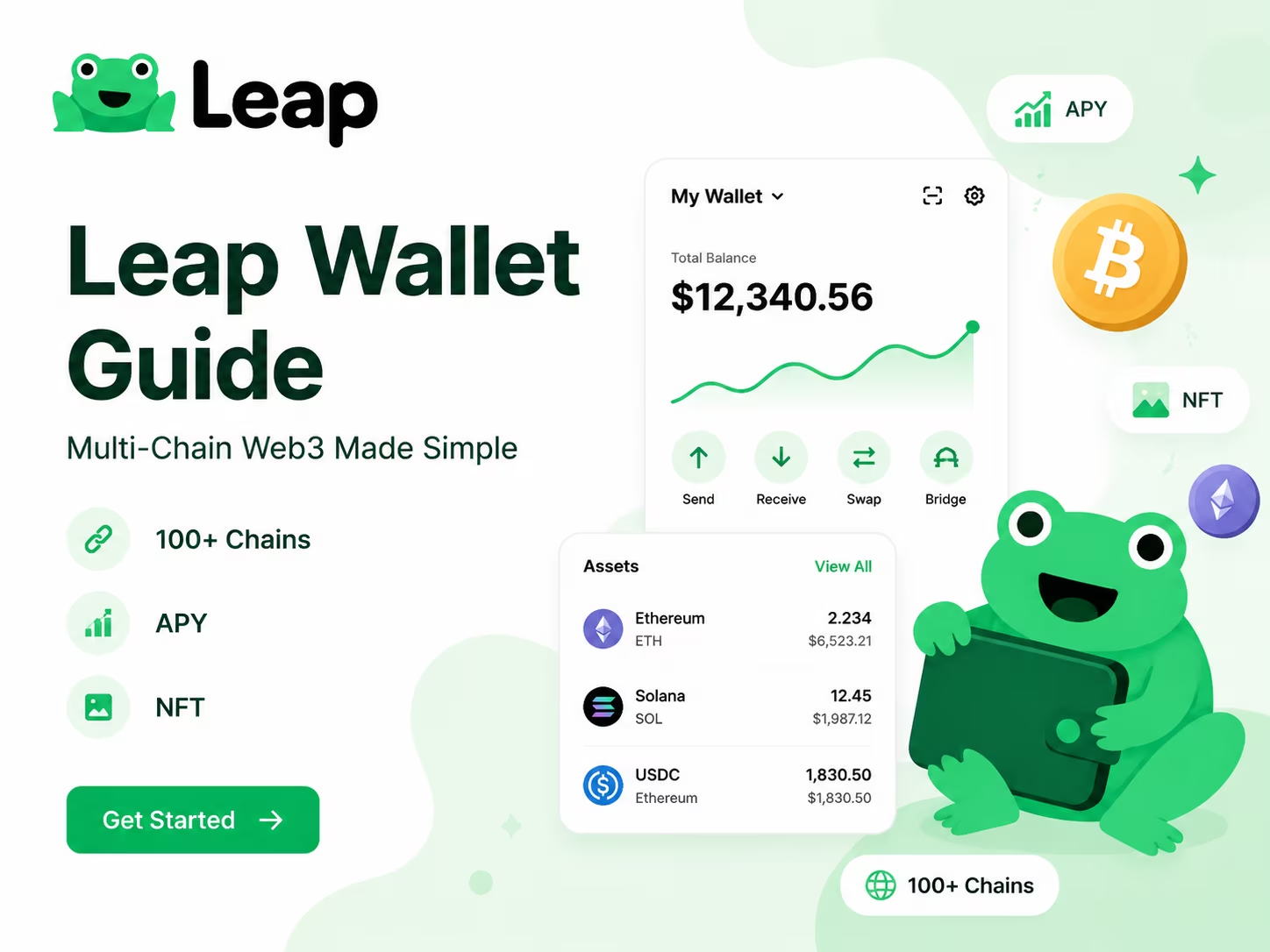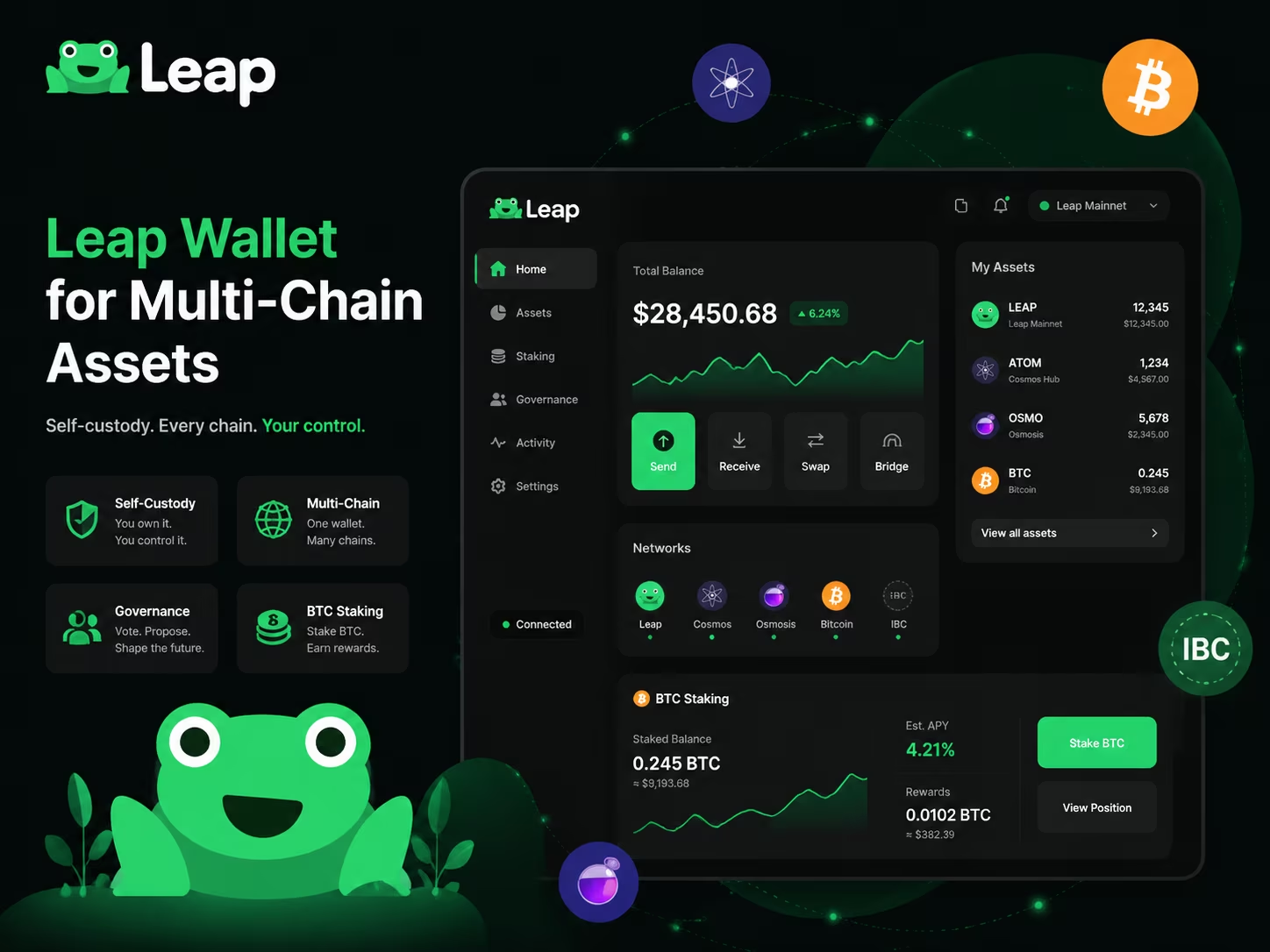
Overview
- Network Support: 100+ Cosmos SDK chains and IBC interoperability
- Key Feature: Native Bitcoin staking via Babylon protocol integration
- Security Model: Strict self-custody with hardware wallet pass-through
- Transaction Costs: $0 platform fees; dynamic aggregator fees (0.1%–0.5%)
- Compliance: SEC/CFTC compliant front-end routing architecture
Leap Wallet is a non-custodial multi-chain solution that serves as a unified command center for accessing over 100 Cosmos SDK networks, EVM layers, and Bitcoin staking. It eliminates fragmented asset management by providing a single interface for cross-chain swaps, governance voting, and dApp connectivity across mobile and desktop platforms while ensuring you maintain full control of your private keys.
How Leap Wallet Fits the Multi-Chain Web3 Shift
Leap Wallet gives you native access to 50+ Cosmos SDK chains and 100+ total supported networks — managed from one place, without switching apps or configuring bridges manually. The supported chain list runs deep: Cosmos Hub, Osmosis, Noble, Celestia, and dozens more, all with IBC transfers, interchain swaps, and staking built directly into the interface. No detours. No duct-taped workarounds. The entire architecture assumes you’re active across multiple chains simultaneously — because that’s exactly how serious Web3 users actually operate right now.
What separates Leap’s multi-chain approach from the competition isn’t the raw number of supported networks. It’s the depth of what you can actually do inside each one. One-click IBC transactions move assets between Cosmos-native chains with zero friction. Interchain swaps handle routing automatically — you don’t touch the plumbing. Ethereum bridging pushes your reach well beyond the Cosmos ecosystem entirely. As confirmed by the Cosmos Community Blog, Leap functions as a full-stack interchain Super Wallet covering IBC swaps, transfers, staking, governance participation, NFT management, and Ethereum bridging under one roof. That’s not marketing copy — that’s the actual infrastructure you’re operating on.
The dApp connection layer is where Leap earns its spot in daily workflows. Interacting with DeFi protocols on Osmosis? Voting on governance proposals on Cosmos Hub? Exploring new deployments on Celestia? The connectivity holds up consistently across both the browser extension and mobile app — and that last part matters more than people admit. Both versions carry full feature parity. No stripped-down mobile experience. No functionality gaps that create risk when you’re moving fast across chains on the go.
Managing assets across multiple ecosystems used to mean juggling five tools and hoping nothing broke between them. Fewer tools. Fewer failure points. One unified portfolio view. Leap’s cross-chain asset management, combined with governance participation and NFT handling, makes it core infrastructure for anyone operating at scale in Web3 — not a convenience feature, but a foundational piece of the stack. The multi-chain environment isn’t arriving. It’s already here. And Leap’s supported chain count keeps expanding to stay ahead of wherever the ecosystem moves next.
Leap Wallet App vs Extension: What Users Can Expect
Choosing between the mobile app and the browser extension depends on your specific workflow in the Cosmos ecosystem. While both versions provide non-custodial control over assets like ATOM, TIA, and INJ, the Leap Wallet browser extension is optimized for desktop dApp interactions, whereas the mobile app focuses on on-the-go management with biometric security. In 2026, maintaining a unified interface across both platforms is essential for secure multi-chain management and rapid governance participation.
| Feature | Browser Extension | Mobile App (iOS/Android) |
|---|---|---|
| Primary Use Case | Desktop dApp interactions | On-the-go tracking & swaps |
| Security Access | Password + Seed Phrase | Biometrics (FaceID/Fingerprint) |
| Hardware Support | Ledger (USB) | Ledger (Bluetooth) |
| dApp Access | Extension Popups | Built-in dApp Browser |
| Core Functions | Staking, IBC, Swaps | Staking, IBC, Swaps, NFTs |
Data Source: Cosmos Community Blog — Introducing Leap Wallet
How to Install and Set Up Leap Wallet Safely
Setting up your wallet correctly is the first step to navigating the Web3 ecosystem without losing your assets to phishing or technical errors. Follow these steps to ensure your entry into the Cosmos ecosystem is secure and professional.
- Visit the official source. Go to the Leap Wallet Official Platform to find the verified download links for your browser extension or mobile device. Never search for the wallet in a search engine and click the first sponsored link, as these are often phishing clones.
- Install the extension or app. Add the Leap Wallet extension to your browser (Chrome, Brave, or Edge) or download the mobile app. Verify that the developer listed in the store matches the official project credentials to avoid counterfeit software.
- Create a new wallet. Select the option to "Create a new wallet." You will be prompted to set a strong local password. This password encrypts your keys on your specific device; it is not a recovery tool for your funds.
- Secure your Secret Recovery Phrase. Write down the 12 or 24-word seed phrase on physical paper. In the 2026 on-chain environment, digital storage of seed phrases (screenshots, notes, or cloud storage) remains the primary vector for asset theft. Store this paper in a secure, fireproof location.
- Verify the backup. Complete the phrase verification step by entering the requested words in the correct order. This ensures you have recorded the phrase accurately before any assets are deposited.
- Perform a security check. Open the wallet settings and enable any available security features, such as auto-lock timers. Before sending large amounts, perform a small test transaction to ensure you understand the UX and that the address is active.
Security Basics: Seed Phrase, Private Keys, and Safe Setup Habits
Your Leap Wallet seed phrase is the master key to everything you own on-chain — lose it, and your funds are gone; expose it, and someone else owns your wallet before you finish reading this sentence. When you first set up Leap Wallet, the app generates a 12 or 24-word recovery phrase directly on your device. Locally. Nothing gets transmitted to a server. That is the entire point of self-custody: the Leap Wallet Official Platform runs on a fully non-custodial model, which means no third party can access, freeze, or bail you out. It is all on you. That is the deal.
The rules here are simple. Brutally simple. Write your seed phrase on paper — physical paper, stored somewhere secure. Not a notes app. Not a screenshot sitting in your camera roll. Not a Google Doc synced across five devices. Paper. If you want serious protection, a metal backup plate that survives fire and flood is worth every penny. And never — under any circumstances — share your Leap Wallet recovery phrase with another human being. Not with "support agents." Not with people in Discord DMs claiming to help you. Legitimate Web3 wallets do not need your seed phrase to assist you. Anyone asking for it is running a social engineering attack, and in 2026, those attacks are frighteningly polished: AI-generated phishing pages, pixel-perfect fake wallet interfaces, impersonation bots that sound completely human.
Private keys deserve the same respect. Inside Leap Wallet, your private keys are derived from the recovery phrase and stored encrypted on your local device — the wallet never flashes raw keys during normal use. You can export them manually if you need to, but treat that export moment exactly like handling the seed phrase itself: maximum caution, zero shortcuts. One of the sharpest security moves you can make is dedicating a separate browser profile — or even a separate device — exclusively to Web3 activity. Mixing your everyday browsing with DeFi interactions is how malicious extensions and compromised sites get a foothold. Isolation is not paranoia. It is just good hygiene.
Safe habits stack up quietly and pay off enormously. Enable the password lock so physical access to your machine does not hand someone your entire portfolio. Audit your active dApp connections regularly and revoke anything you no longer use — stale approvals sitting in the background are a silent liability that most people never think about until it is too late. Bookmark the official Leap Wallet site right now and navigate from that bookmark every single time, never from a link dropped in a Telegram group or a tweet. None of this is complicated. But the gap between a wallet that holds strong for years and one that gets drained in sixty seconds is almost always one of these small, ignored steps.
Core Features for Everyday Use
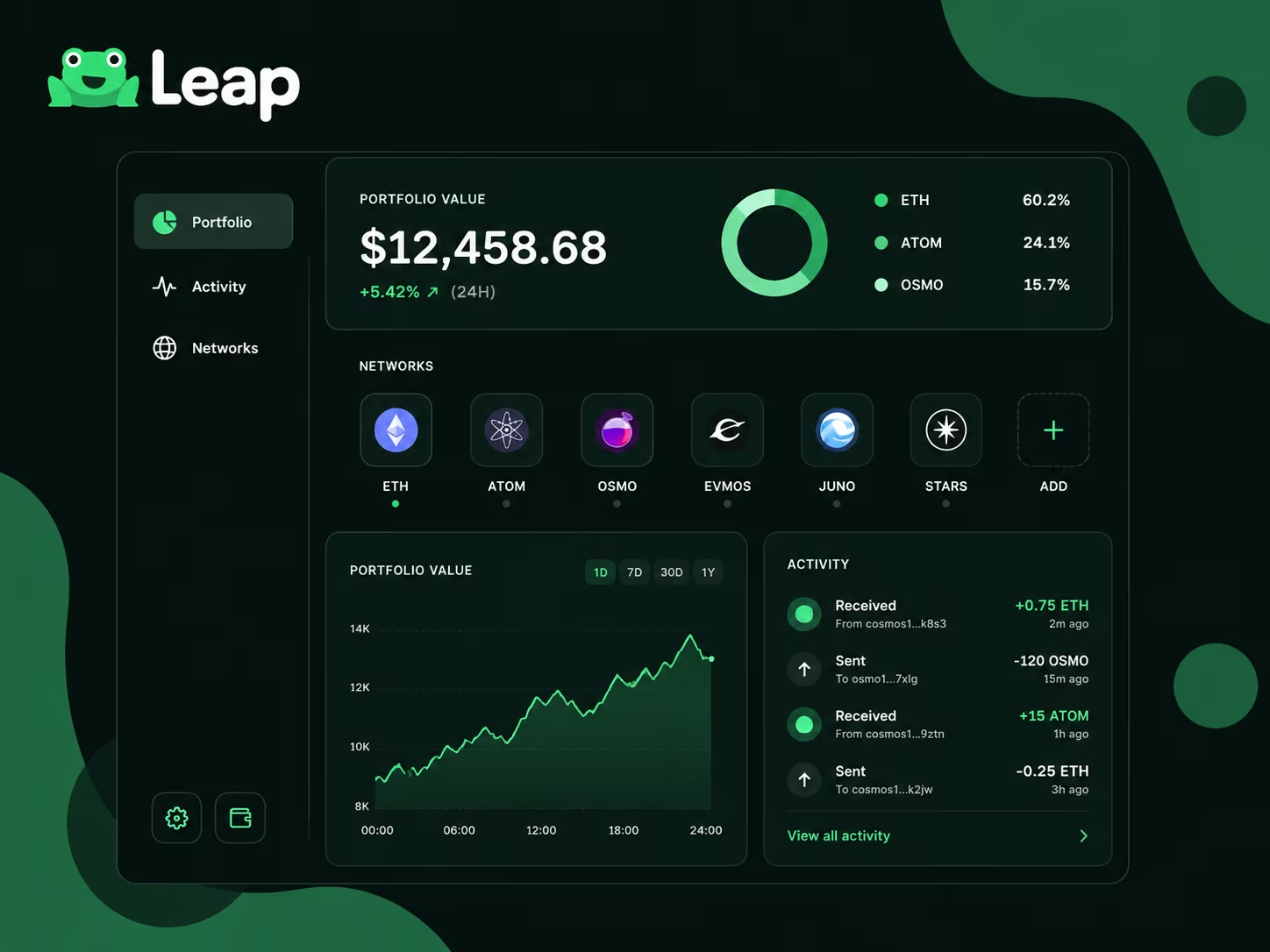
Leap Wallet hands you one clean interface to manage crypto across multiple chains — no app-switching, no lost balances, no chaos. Checking positions, moving tokens, watching your full portfolio breathe in real time — the whole workflow runs on speed and clarity. As a multi-chain crypto wallet, it absorbs the ugly complexity of cross-ecosystem asset management so you never have to untangle it by hand.
The send flow is blunt in the best way. Pick the asset. Enter the address. Review the gas estimate. Sign. Done. That gas preview matters — network congestion and fee volatility across Cosmos, EVM, and other supported ecosystems aren’t theoretical problems anymore, they’re daily friction. Leap surfaces the cost before you commit, so you’re never surprised at the finish line. Receiving works just as cleanly: your wallet address lives one tap away, QR code ready for mobile, every chain labeled explicitly so you don’t fire tokens into the wrong network by accident. That last part saves real money.
Leap Wallet asset management runs deeper than a balance sheet. The portfolio view pulls every connected chain into a single dashboard — total value, asset-by-asset breakdown, recent transaction history, all of it stacked together. Per the Leap Wallet Official Platform, the wallet covers a wide range of assets, workflows, and ecosystem integrations, which means staking positions, governance tokens, and liquid holdings all appear in one context instead of scattered across four separate tabs. That consolidated visibility isn’t a luxury for active Web3 users managing multi-chain positions. It’s the minimum viable setup.
Your on-chain address is your identity, and Leap treats it that way. Each network runs its own address format — the wallet labels them explicitly, so you always know exactly which chain you’re operating on. No guessing. No cross-referencing external tools. For anyone building a serious Web3 portfolio across more than one chain, that level of organization is the baseline expectation, not a bonus feature. Readable balances, reliable send and receive flows, a consolidated asset view — together they make Leap a practical daily driver whether you’re just getting started or actively managing heavyweight on-chain positions.
Connect your wallet
Ready to explore supported ecosystems and interact with decentralized applications? Securely link your assets to start managing your on-chain portfolio today.
Connect WalletLeap Wallet Costs and Fee Categories
Understanding the cost structure of your wallet is essential for managing your on-chain capital efficiently. Leap Wallet follows a standard Web3 model: the software itself is free, while costs are tied to network activity and third-party integrations. As we move into 2026, navigating these fees requires a clear view of gas dynamics and aggregator margins to ensure you aren’t overpaying for basic operations.
| Fee Category | Cost / Range | Details |
|---|---|---|
| Wallet Access | $0.00 | Free to download and set up on all supported platforms. |
| Network Gas Fees | Varies by Chain | Approx. 0.001 ATOM on Cosmos; higher on Ethereum during congestion. |
| In-App Swaps | 0.2% – 0.5% | Routing fees via DEX aggregators like Osmosis or Jupiter. |
| Fiat On-Ramp | 4.5% – 7.5% | Processing fees from providers (MoonPay/Transak) + network gas. |
Data Source: KuCoin Crypto Analysis Review — Confirms free wallet access and detailed fee structures
What Affects Performance, Usability, and Learning Curve
Leap Wallet packs serious Web3 firepower into one interface — and knowing exactly where new users stumble will get you past the rough edges fast. The most common wall people hit is feature density. Over 100 supported chains means the interface carries real weight: staking dashboards, IBC transfer flows, DeFi integrations, NFT management. If you’re migrating from a single-chain wallet or stepping off a centralized exchange, your first session can feel like walking into a cockpit. The fix? Brutally simple. Start with one chain, one action. Set up your Cosmos account, fire off a test transaction, poke around the Leapboard dashboard. Build context before you branch out.
On the technical side, the browser extension runs heavier than minimal wallet alternatives. Low-spec machine, twenty tabs open — you’ll feel it. This is the honest trade-off when you pack multi-chain functionality into a single extension instead of offloading it elsewhere. As noted by KuCoin Blog, the 2026 Leap Wallet review flags both the extension’s resource appetite and the learning curve for absolute beginners — while also crediting the wallet’s fee efficiency and ecosystem depth. Modern hardware handles it without drama. But worth knowing before you install. The mobile app tells a different story: cleaner, lighter, with a mobile-first UX that surfaces APR data and staking options without burying you in chrome.
Fee structures are where Leap Wallet quietly earns its keep. Gas fees on Cosmos chains routinely land under $0.01 — effectively free. Swap fees through integrated liquidity providers typically run 0.1% to 0.5%, which holds up against any serious DEX aggregator. Where users genuinely trip up during onboarding: conflating network fees with swap fees. They’re separate line items. Understanding that distinction early kills a lot of frustration before it starts. Ledger hardware wallet support is available — the right call for anyone holding real assets — but the setup adds steps. Non-technical users should follow official documentation precisely. No improvising.
The real picture: the learning curve runs steeper than single-chain wallets. Full stop. But the tools built to reduce friction — one-click IBC transfers, the Leapboard portfolio view, clean staking flows — are genuinely well-executed. Understand how to use Leap Wallet correctly from session one, and the complexity flips from barrier to advantage. Spend 20 minutes inside the official onboarding flow. Connect to one dApp. Execute one stake. That hands-on loop builds more familiarity than any written guide ever will. Leap Wallet targets users who want actual multi-chain capability, and every layer of the UX reflects that ambition — it just asks for a short ramp-up before it fully opens up.
Why Analysts Rate Leap Wallet Highly
Leap Wallet earns its reputation among serious Web3 users for exactly one reason: it kills the friction of managing assets across multiple chains without making you juggle five different tools to do it. The wallet covers Cosmos-based networks, EVM-compatible chains, and an expanding roster of ecosystems — all inside a single interface. That’s precisely what power users need as multi-chain complexity keeps compounding heading into 2026. When people ask whether Leap Wallet is legit, the community answer is an unambiguous yes, grounded in real usage patterns and a development track record that speaks for itself.
According to the KuCoin Crypto Analysis Review, Leap Wallet punches above its weight in the Cosmos ecosystem and holds its own against far more generalist competitors on pure usability. Analysts keep circling back to three specific strengths: native staking built directly into the interface, cross-chain asset visibility that doesn’t require third-party bridges cluttering your screen, and a mobile app that refuses to trade functionality for simplicity. These aren’t taglines. They describe how the product is actually architected and what users touch every single day.
The core product logic behind the Leap Wallet experience is about eliminating decision fatigue. No manual network-switching for every transaction. No digging through settings to locate staking rewards. The interface surfaces the right information exactly when you need it — and that precision matters more now than ever, with on-chain environments growing denser, gas dynamics becoming harder to predict, and users simultaneously managing positions across more protocols than ever before. Good UX stopped being a bonus feature a long time ago. It’s a trust signal. And Leap Wallet has built that trust through disciplined, consistent interface choices — not by piling on features nobody asked for.
Analysts also flag the wallet’s approach to security defaults as a genuine differentiator. Seed phrase handling, transaction confirmation flows, and permission scoping for dApp connections all follow patterns engineered to minimize user error — which, in self-custody setups, remains the single most common cause of lost funds. For anyone going through the Leap Wallet setup process for the first time, the onboarding path is deliberately structured to instill good habits before bad ones form. That combination — broad multi-chain access, mobile-first design, and security defaults that actually protect people — is precisely why Leap Wallet keeps landing at the top of analyst comparisons when the question is which active Web3 wallet holds up under real, everyday use.
What US Users Should Know About Self-Custody and Wallet Control
Leap Wallet self-custody means you — not a company, not a server, not anyone else — hold the only keys to your assets. Full stop. When you set up the wallet, a seed phrase generates locally on your device. It never touches a server. Nobody at Leap can access your funds, freeze your balance, or undo a transaction. Your assets live on-chain, and access is controlled entirely by whoever holds the private keys. That should be only you.
Private keys in Leap Wallet derive directly from your seed phrase through standard cryptographic methods. What that means in practice: your wallet is completely portable. Need to move to a new device? Reinstall the app? Switch to a different compatible client? Enter your seed phrase and you are back in full control — nothing is locked to a specific app version or platform. Centralized accounts cannot offer this. There is no "forgot password" button that rings a support team, because no support team can help you if that phrase is gone. That is the trade-off. Understand it clearly before you store anything that matters.
The Leap Wallet import feature lets you bring an existing wallet into the app using your seed phrase or private key. Already holding assets across Cosmos, EVM-compatible chains, or other supported networks? You can pull everything into one clean interface. The process is direct: open the app, select import, enter your credentials. Leap reads your on-chain balances immediately and hands you full control through its interface. No new wallet gets created — you are connecting existing keys to a new front end. As multi-chain activity becomes the baseline expectation for Web3 users, this kind of interoperability is not a bonus feature. It is table stakes.
For US-based users, self-custody carries extra weight right now. Regulatory conversations around digital assets have intensified, and holding assets independently of any custodial platform gives you a layer of control that does not bend with policy shifts. But that independence cuts both ways. Back up your seed phrase offline — at minimum two separate physical locations. Never store it in a cloud note, a screenshot, or an email draft. If someone gets your seed phrase, they have your assets. No dispute process. No appeals. Treat that phrase the way you would treat a physical key to a vault holding everything you own. Because that is exactly what it is.
Conclusion
Leap Wallet is the multi-chain Web3 wallet that actually handles the full stack — asset management, staking, DApp connections, cross-chain swaps — without making you open four different apps to do it. One interface, browser extension or mobile, built for users who move across IBC-connected chains, Ethereum, and Injective like it’s a daily commute.
Three things separate it from the noise: genuinely broad chain support, a UX clean enough that beginners don’t bounce in the first five minutes, and a development team that ships updates instead of writing blog posts about shipping updates. Safe setup starts at exactly one place — the Leap Wallet Official Platform. That’s your verification checkpoint, your download source, your single source of truth. Fake extensions and phishing clones are not a hypothetical threat in 2026 — they’re documented, active, and targeting every major wallet in the space. Leap included. Install from the official source or don’t install at all.
Want the full strategic picture? The guide on multi-chain crypto wallet breaks down chain coverage, DApp integrations, and the security habits that actually matter long-term. The core point is blunt: Leap Wallet is built for active on-chain users who need real flexibility across ecosystems. If you’re just parking assets on one chain and walking away, you’ll barely scratch the surface. If you’re actually operating across networks — this is the tool designed for that.
The setup process is straightforward. The official website gives you everything you need to start correctly. After that, the discipline is yours: back up your seed phrase offline, use official sources exclusively, and treat your wallet configuration as a one-time investment in long-term security. Good habits built early compound. Bad ones get expensive fast.
Import your old wallet
Ready to move your assets? Securely import your existing seed phrase to Leap Wallet and start managing your portfolio across the entire ecosystem with a professional UX designed for 2026 standards.
Connect NowParent Pillar
This support page links back to the parent Leap Wallet pillar so topical authority flows up through the cluster.
Educational content only. Non-custodial wallet users are responsible for seed phrase backup, transaction review, dApp permissions, taxes, and network fees. Nothing here is financial, legal, or tax advice.
Frequently Asked Questions
What is Leap Wallet and what can it do?
Leap Wallet is a non-custodial Web3 wallet that supports 50+ Cosmos SDK chains and 100+ total networks. It lets you manage assets, stake tokens, execute IBC transfers, swap across chains, participate in governance, and connect to decentralized applications — all from one interface available as a browser extension and mobile app.
Is Leap Wallet free to use?
Yes, the wallet itself is completely free to download and set up. Users only pay on-chain network gas fees (typically under $0.01 on Cosmos chains), swap routing fees of 0.1%–0.5% via third-party aggregators, and fiat on-ramp fees of roughly 1%–5% through providers like MoonPay or Transak.
How do I keep my Leap Wallet seed phrase safe?
Write your 12 or 24-word recovery phrase on physical paper and store it in a secure, fireproof location — never in a screenshot, cloud note, or email. Never share it with anyone, including people claiming to be support agents. Anyone asking for your seed phrase is running a social engineering attack.
What is the difference between the Leap Wallet browser extension and the mobile app?
The browser extension is optimized for desktop dApp interactions and supports Ledger via USB, while the mobile app focuses on on-the-go asset management with biometric security (FaceID/Fingerprint) and a built-in dApp browser with Ledger via Bluetooth. Both versions offer full feature parity including staking, IBC transfers, and swaps.
Can I import an existing wallet into Leap Wallet?
Yes. Open the app, select the import option, and enter your existing seed phrase or private key. Leap will immediately read your on-chain balances across all supported networks and give you full control through its interface — no new wallet is created, and your existing keys are simply connected to the Leap front end.
Crypto Wallet Research and Product Education
Leap Wallet Editorial Team
The Leap Wallet editorial team reviews wallet setup flows, self-custody risks, staking workflows, dApp permissions, and multi-chain asset management patterns for educational Web3 guides.
Hands-on coverage of non-custodial wallet setup, browser extension UX, mobile wallet workflows, Cosmos staking, IBC transfers, and dApp connection safety.
Wallet Safety Fact Check
Leap Wallet Security Review
Reviewed for seed phrase guidance, dApp permission risk, fee language, self-custody caveats, and local link integrity.