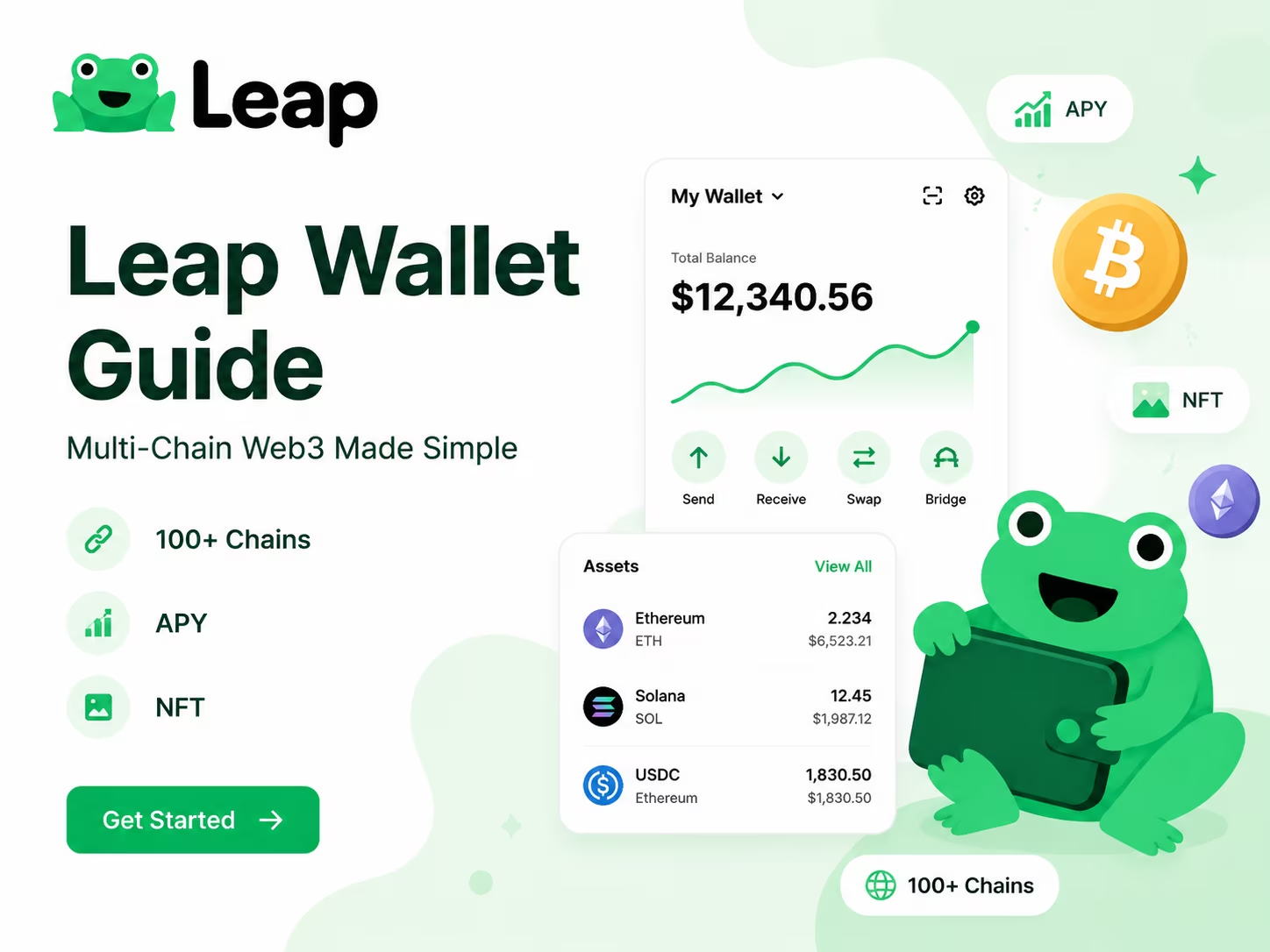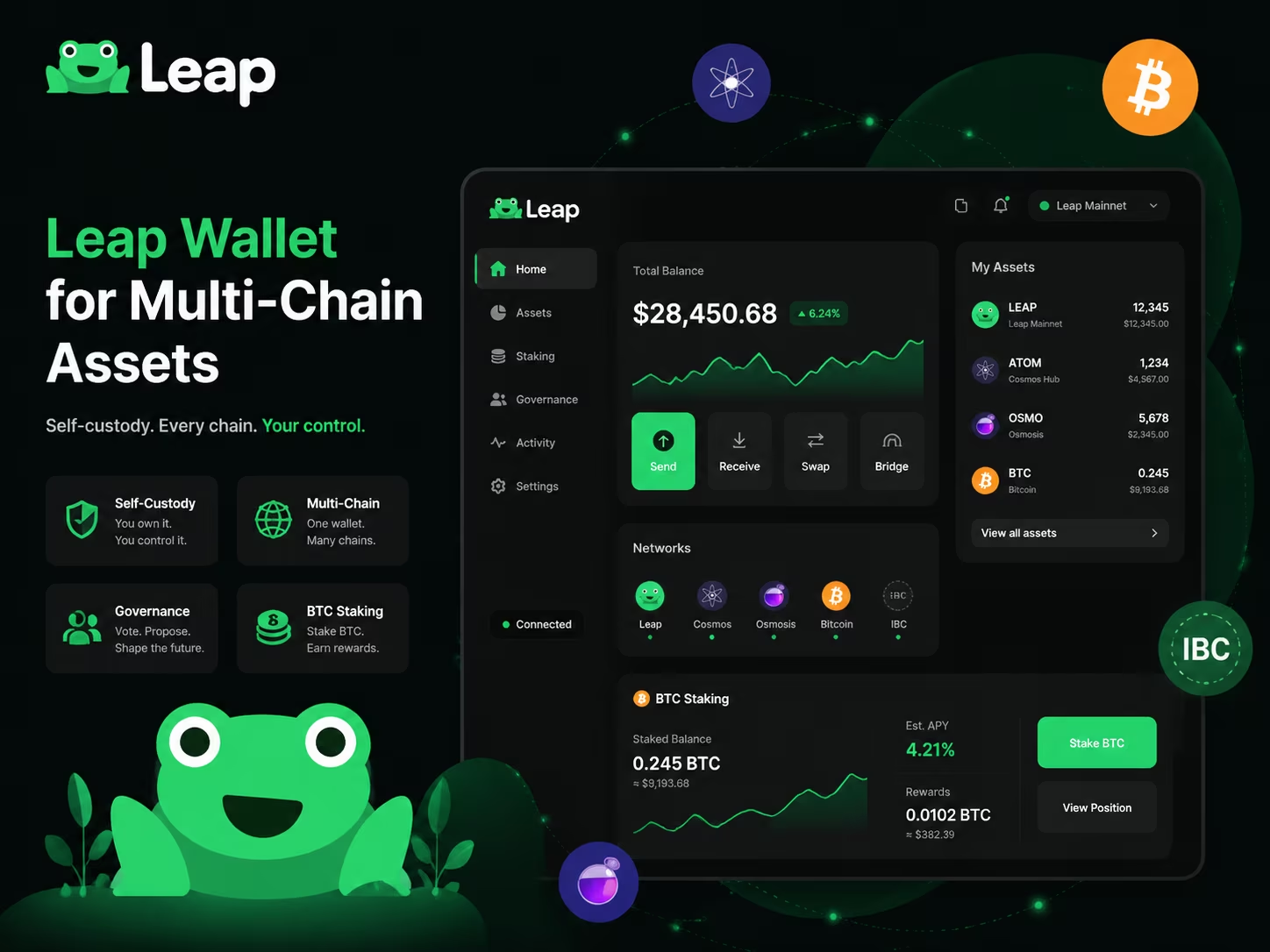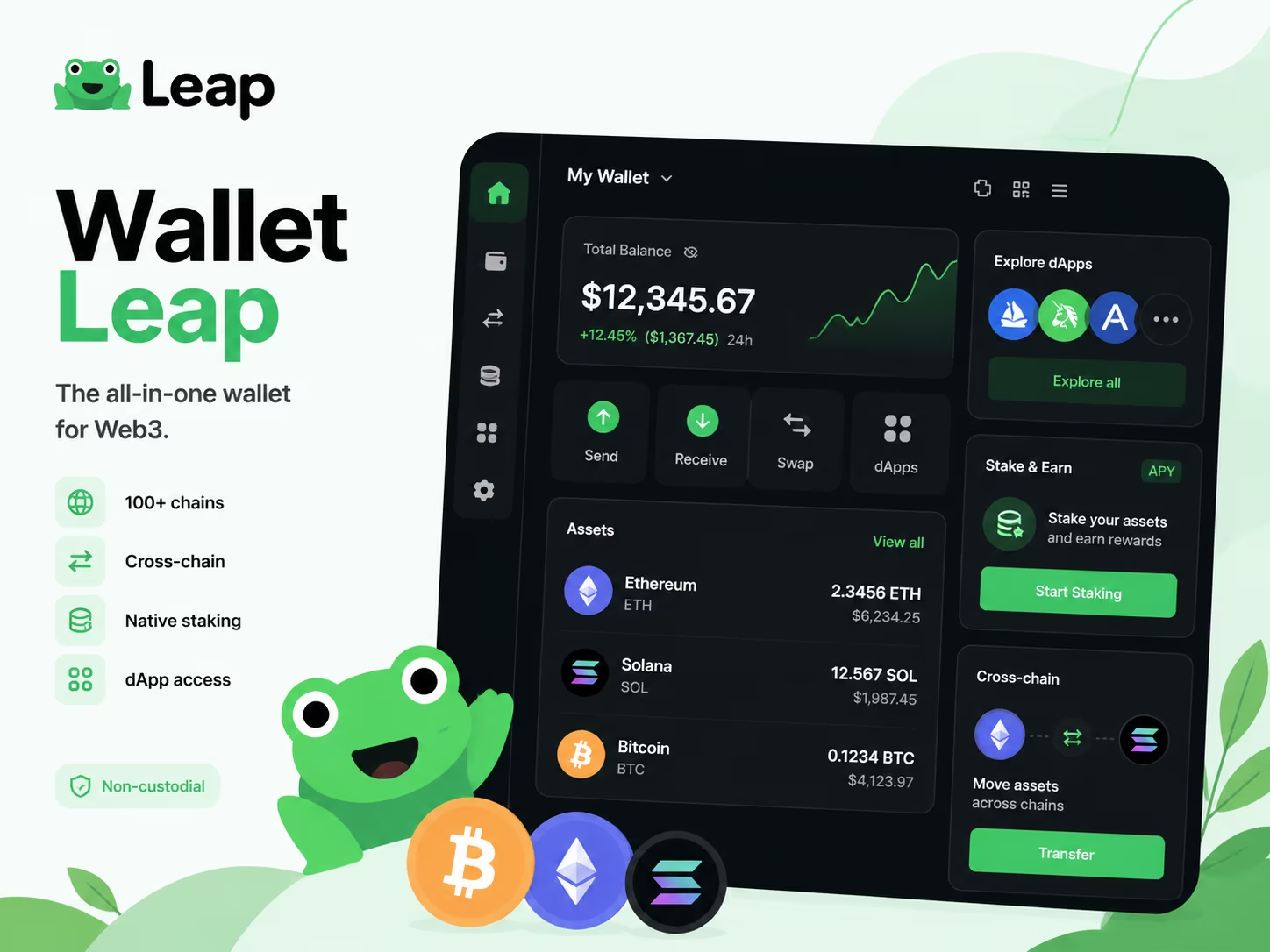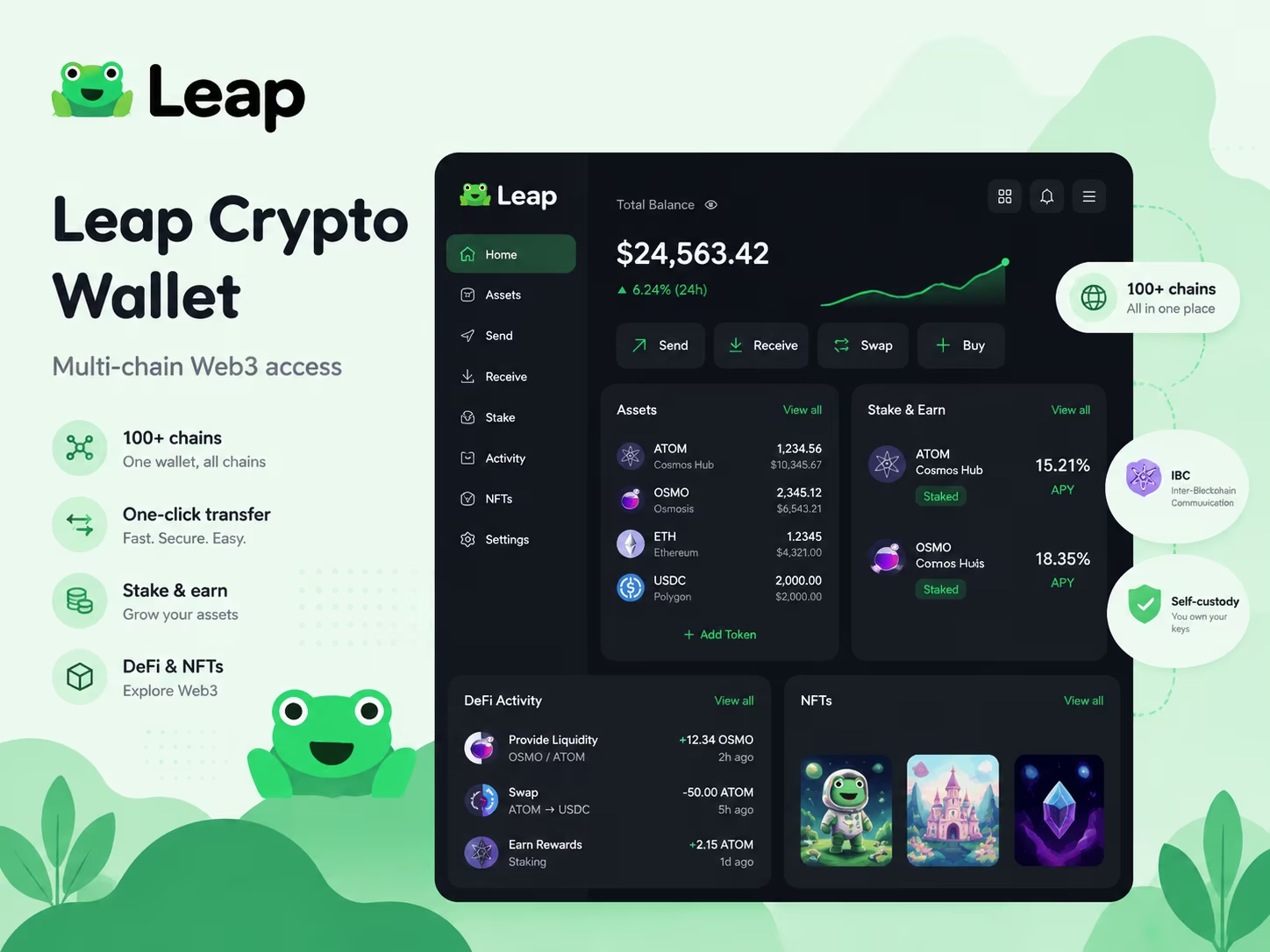
- Network Support: 100+ blockchains (Cosmos, Solana, Sui, EVM)
- Staking Yields: 15-22% APR on Cosmos Hub and Osmosis
- Transaction Tech: One-click IBC transfers with Skip/Squid automation
- Security Model: Non-custodial with native Ledger hardware support
- Compliance: Zero KYC required for software-based self-custody
The Leap crypto wallet is a premier self-custody interface providing seamless Web3 access across 100+ chains, including Cosmos, Solana, and Ethereum. By integrating one-click IBC transfers and a consolidated Leapboard dashboard, it eliminates the complexity of multi-chain asset management. You retain total control over your private keys while navigating DeFi, staking, and NFTs with institutional-grade security and speed.
How to Set Up Leap Wallet on Mobile or Browser Extension
Setting up your wallet correctly is the first step toward secure asset management in the Cosmos ecosystem. Whether you prefer a desktop browser for deep DeFi analysis or a mobile app for on-the-go transactions, the process is streamlined for 2026 security standards. Follow this Leap Wallet setup guide to get started.
- Install the official software. Download the extension from the Chrome Web Store or get the mobile app via Google Play. Always verify the developer name to avoid phishing clones.
- Create a new wallet. Select the "Create a new wallet" option. If you are migrating from another Cosmos-compatible wallet, you can choose "Import existing wallet" using your recovery phrase.
- Secure your Secret Recovery Phrase. The app will generate a 12 or 24-word seed phrase. Write it down on physical paper and store it offline. In the current on-chain environment, losing this phrase means permanent loss of funds, as no centralized "reset" exists.
- Verify the seed phrase. Confirm the words in the correct order as prompted by the interface. This ensures you have recorded the backup accurately before the wallet is activated.
- Set a strong local password. Create a unique password or PIN to encrypt the wallet on your specific device. On mobile, enable biometric authentication (FaceID or Fingerprint) for a faster and more secure UX.
- Explore the dashboard. Once inside, you can view your multi-chain balances, manage NFTs, and connect to dApps. Your wallet is now ready for staking and governance participation across the Interchain.
Leap Wallet Features at a Glance
Choosing between a mobile app and a browser extension depends on your daily workflow. While both versions of this IBC wallet for Web3 provide access to over 200 chains and non-custodial security, they offer different advantages for on-the-go management versus deep desktop research.
| Feature | Browser Extension | Mobile App (iOS/Android) |
|---|---|---|
| Network Support | 200+ Chains | 200+ Chains |
| Security Setup | Mnemonic-based | Mnemonic + Biometrics |
| Staking & Swaps | In-wallet / Leapboard | In-wallet Native |
| Hardware Wallet | Ledger (USB) | Ledger (Bluetooth) |
| dApp Access | Direct Browser Link | In-app dApp Browser |
| NFT Gallery | Yes | Yes |
Supported Networks and the Multi-Chain Experience
Leap Wallet runs on 100+ blockchains - and that's not a marketing number, it's the actual daily reality for anyone using it as their primary Web3 interface. Cosmos ecosystem, EVM chains, Solana, Bitcoin - all of it lives inside one app, one interface, zero app-switching. That unified design is what separates practical multichain support from a feature list nobody actually uses.
The Cosmos side is where Leap's roots go deepest. Cosmos Hub, Osmosis, Celestia, Injective, Sei, Juno, Akash - all natively supported, with IBC transfers baked directly into the routing logic. No copying addresses between block explorers. No manually punching in RPC endpoints. The wallet figures it out. On the EVM side, Ethereum, Polygon, Arbitrum, Optimism, Base, and ZK-Sync are all live - meaning the DeFi protocols you already know work here without any configuration gymnastics. Then add Bitcoin with native SegWit and Taproot support, Solana, and modular layers like Dymension, Avail, and Fuel. As KuCoin confirms, Leap covers all major Cosmos chains, every significant EVM network, Solana, Bitcoin, and the emerging modular infrastructure - with cross-chain IBC transfers, bridging, and DEX integrations built straight in. That's not breadth for breadth's sake. That's the actual shape of where multichain is going.
Cross-chain functionality here runs deeper than just parking assets on different networks. Leap integrates one-click bridging through Skip and Squid protocols - moving tokens between ecosystems takes seconds, not a five-tab manual process. WalletConnect v2.0 hooks you directly into DEXs: Osmosis, Helix on Injective, Jupiter on Solana, Uniswap - all within the same wallet session. That matters when you're actively trading, stacking liquidity positions, or chasing yield across three different chains simultaneously. For a fuller breakdown of how this fits into a self-custody strategy, the guide on using Leap as a non-custodial Web3 wallet covers the whole picture.
Here's what it means for you, practically: Leap's multichain architecture means you're never trapped inside one ecosystem's liquidity or tooling. Collect Cosmos staking rewards. Bridge to an EVM chain for a DeFi position. Settle a Bitcoin transaction. All without leaving the app. In 2026, fragmented infrastructure is still one of Web3's most stubborn friction points - and having genuine, unified network support across 100+ chains isn't a bullet point. It's operational leverage. It saves time. It cuts the error rate that comes from juggling too many separate tools, separate sessions, separate risks.
Connect your wallet
Leap Wallet puts your entire cross-chain portfolio in one clean interface - so you always know exactly what you hold, where it lives, and what it's worth, without opening five different apps. Token balances across Cosmos-based chains, EVM networks, and beyond all land in a unified dashboard with real-time valuations. Your ATOM, OSMO, ETH positions - right there. Updated automatically as on-chain state shifts. No tab-switching. No guesswork.
Connect WalletStaking With Leap Wallet and What Users Should Evaluate
Leap Wallet staking puts on-chain yield directly in your hands - no middlemen, no delegated custody, no one else touching your keys or your decisions. The flow inside the Leap Wallet Cosmos wallet is ruthlessly simple: open the staking tab, pick a network (ATOM, OSMO, INJ, and dozens of other Cosmos chains are right there), select a validator, enter your amount, confirm. Under two minutes, start to finish - if you've already done your validator research. And that "if" is doing a lot of heavy lifting.
Validator selection is where serious stakers separate themselves from people who just click the first name on the list. Real consequences follow that choice. Inside the Leap Wallet staking interface, every validator surfaces its commission rate, uptime record, and voting power share - the three numbers that actually matter. Commission rates across Cosmos validators run from 0% to 20%, and that range hits your net returns hard. A 5% commission on a 14% APR chain versus a 15% commission? That's not a rounding error - that's a meaningfully different annual outcome. Then there's voting power. Any validator holding more than 5-7% of total network stake introduces centralization risk worth taking seriously, clean uptime record or not. For a broader look at how Cosmos wallet staking fits into the wider Web3 workflow, the linked guide lays out the full picture.
Self-custody staking also means the operational and legal weight sits squarely on your shoulders. As Farrell Fritz points out, non-custodial crypto activity - including self-directed staking - occupies a distinct regulatory category compared to exchange-based products. No platform tracks your rewards, files anything on your behalf, or sends you a year-end summary. You track them. You account for them. You decide when to compound or pull out. Leap Wallet surfaces reward accrual in real time, but the decision layer belongs entirely to you - which is exactly the point.
Before committing capital, a few hard realities to factor in. Unbonding periods are non-negotiable: ATOM locks you in for 21 days, and markets don't pause while you wait. Slashing risk exists - validators that double-sign or go dark for extended stretches can cost you a portion of your stake, though established validators with long uptime histories carry minimal historical exposure. Compounding frequency matters more than most people expect: manually restaking rewards on a high-APR chain can push your actual annual return well above what passive delegation delivers. The Leap Wallet Cosmos wallet hands you every tool needed to manage this actively. The only question is whether you use them with intention - or just delegate and drift.
Costs, Gas, and Staking Yield Considerations
Understanding the cost structure is essential for managing your on-chain activity efficiently. Leap Wallet does not charge subscription fees, but you will encounter standard network costs and provider-based fees when swapping or moving assets across chains. In the 2026 Web3 environment, where automation and compounding are key, knowing these ranges helps you optimize your staking yields and transaction timing.
| Service Category | Estimated Cost / Yield | Key Details |
|---|---|---|
| App Download & Usage | $0.00 | Free to download with no recurring subscription fees. |
| Cosmos Network Gas | < $0.01 | Standard fees for transfers and IBC transactions on Cosmos chains. |
| Token Swaps | 0.1% - 0.5% | Fees charged by liquidity providers during in-wallet swaps. |
| Staking Rewards (APR) | Variable | Real-time APR visibility with restake options for compounding. |
| Ethereum Gas Fees | Market Rate | Higher than Cosmos; depends on Ethereum network congestion. |
dApp Connectivity, WalletConnect, and DeFi Access
Leap Wallet plugs into the full DeFi stack via WalletConnect v2.0 - one wallet, one interface, every chain you actually care about, from Cosmos to EVM, no juggling required. Trading on Osmosis? Swapping on Jupiter? Hitting Uniswap on an EVM layer? The flow never changes: scan a QR code or tap a deep link, approve the session, and you're live. Permissions work per-session. You grant access to a specific dApp, and you can cut it off the moment you're done - one tap, gone. No phantom approvals lurking in the background. No surprises.
Every transaction Leap Wallet surfaces is readable. Not buried in hex. Not hidden behind a generic "confirm" screen. You see the contract being called, the assets moving, estimated gas, and the network - before you sign anything. For cross-chain moves, Leap integrates directly with bridge aggregators like Skip and Squid, handling gas-optimized routing automatically. No manual fee math. No pre-funding gas on a destination chain. As a native IBC wallet for Web3, Leap treats multi-chain IBC transfers like any other single-chain swap - the routing logic runs in the background, and you get one clean confirmation step.
According to KuCoin, Leap Wallet's WalletConnect v2.0 implementation holds up consistently across multi-chain DEX interactions, bridge operations, and transaction handling - which matters when you're operating across multiple ecosystems every single day. The dApp connection experience works the same whether you're on the browser extension or the mobile app. Deep link support means mobile users stay in active sessions even when a dApp was originally opened on desktop. Session management is visible and clean. Active connections are listed. Ending one takes a single tap.
Here's the practical reality for anyone running serious DeFi activity through Leap in 2026: you get a unified interface across Cosmos, EVM, and IBC-connected chains, with bridge aggregation baked in, gas abstraction handled automatically, and a permission model that keeps control squarely in your hands. The WalletConnect implementation doesn't demand that you understand the protocol underneath - it just works. Where you still need to stay sharp? Signature hygiene. Read what you're approving. Especially on unfamiliar dApps. Leap surfaces the data clearly. The judgment call, though, is always yours. That's exactly the right balance between automation and accountability in a genuinely complex onchain environment.
NFT Support and Everyday Web3 Use Cases
Leap Wallet's NFT support puts your collectibles, staking positions, and DeFi activity inside one clean interface - no app-switching, no address juggling, no wasted time. As a non-custodial Web3 wallet, Leap keeps your private keys exactly where they belong - on your device - and your entire NFT portfolio under your direct control. One dashboard. Every asset type. That's the standard a serious Web3 wallet has to meet.
NFT management inside Leap works across Cosmos-based chains and EVM-compatible networks simultaneously. Stargaze collection? Covered. Injective NFTs? Loaded automatically. You never manually import contract addresses or dig through settings to make things appear. The gallery surfaces your collectibles with full metadata, images, and collection context already intact. Sending an NFT to another wallet takes the same few taps as sending any token - because NFT liquidity lives and dies by how fast you can actually move assets, and slow UX is a dealbreaker.
But here's what separates Leap from a basic viewer: the NFT layer connects directly into the broader Web3 toolkit. Hold a Stargaze collectible, stake ATOM, and run a swap through the built-in DEX aggregator - all in a single session, without ever touching another app. That's not a convenience feature. That's a fundamentally different way to manage on-chain positions. For anyone running an active DeFi strategy while also building an NFT portfolio, eliminating the friction between those two worlds compounds into real, measurable efficiency over time.
The on-chain environment keeps getting denser - more chains, more asset types, more dApps pulling your attention in every direction. The wallets that earn long-term trust are the ones that absorb that complexity without dumbing down capability. Leap Wallet's NFT support does exactly that: full visibility, full transfer capability, wired natively into staking, governance, swaps, and dApp connectivity. If you're building a real Web3 routine - not just parking tokens somewhere - this is the tooling that makes daily on-chain life actually work.
Why Experts See Leap Wallet as a Strong Daily Driver
Every honest Leap Wallet review lands on the same bedrock truth: you hold your private keys, and that single fact rewires your entire relationship with digital assets. No third party can freeze your funds, block a withdrawal, or quietly make portfolio decisions on your behalf. Regulatory pressure on centralized platforms keeps tightening. On-chain environments keep getting more complex. Self-custody isn't a luxury feature anymore - it's the floor, the non-negotiable starting point for anyone who takes Leap Wallet digital asset control seriously.
On the usability side, Leap Wallet earns its place as a daily driver because the interface doesn't punish you for being active. Staking across Cosmos-based networks, browsing NFTs, connecting to dApps, flipping between chains - all of it lives inside one clean UI. No tool-juggling. No context-switching tax. Leap Wallet secure login through the browser extension or mobile app keeps your entry point consistent, and hardware signing support adds a second layer of protection for users managing serious positions. That pairing - frictionless UX plus optional hardware-level security - is exactly what a well-built self-custody product looks like.
The legal logic behind non-custodial wallets is getting sharper too. As legal experts at Farrell Fritz have noted, non-custodial tools sit in a fundamentally different category from centralized financial intermediaries - you aren't depositing assets with a company, you're managing them directly on-chain. That distinction carries real weight: legally, operationally, and structurally. Leap Wallet fits squarely in the non-custodial column, which means its value is anchored to the protocol layer - not to a company's balance sheet or compliance posture.
Stack it all up and the picture is clean. Leap Wallet digital asset control delivers genuine ownership. The secure login flow keeps daily access frictionless. Hardware wallet compatibility lets you scale your security as your portfolio grows. Building a Web3 routine in 2026 - staking rewards, dApp exploration, multi-chain asset management? Leap Wallet is engineered for exactly that workflow. The product is polished. The self-custody model is sound. The infrastructure underneath it is live, active, and expanding.
Conclusion
Leap Wallet earns its place as a genuinely capable daily driver - covering first-time setup, multi-chain staking, and dApp interaction without burying you in unnecessary complexity. Onboarding takes under three minutes. Seed phrase backup is clear, network selection is immediate, and you're running. That kind of frictionless entry matters when users expect wallet UX to match any polished consumer app - not remind them of 2019.
Multi-network support is where Leap punches hardest in practical terms. Cosmos ecosystem chains, EVM-compatible networks, and a growing roster of Layer 2s all live inside a single interface. No juggling multiple extensions. No switching apps mid-session. You track balances, manage tokens, and flip between chains in one place - and staking sits right there too, built directly into the wallet. Delegate assets, monitor validator performance, claim rewards. A few taps. No third-party redirects, no detours. NFTs show up natively alongside your fungible holdings, so your full on-chain picture is actually visible in one unified view.
dApp connectivity is consistent and readable - which sounds like a low bar until you've used wallets that aren't. Leap's injection works reliably across DeFi platforms, governance portals, and NFT marketplaces. More importantly, the transaction confirmation flow shows you what you're actually signing before you approve it. Clear data. No guesswork. In an environment where malicious contract approvals are a real, daily threat, that transparency functions as a genuine security layer - not just a UI nicety.
The verdict on Leap Wallet is blunt: it delivers. Fast setup, broad network coverage, native staking, friction-free dApp access - all present, all working. The interface stays approachable whether you're managing a modest portfolio or actively running positions across multiple on-chain ecosystems. It's built for users who want real control over their assets, not just a holding account. For anyone serious about Web3, Leap belongs in your daily toolkit.
Import your old wallet
Switch to a more efficient Web3 experience. Use your existing seed phrase to recover your assets and access advanced staking, NFT management, and cross-chain connectivity instantly.
Connect NowParent Pillar
This support page targets the exact leap crypto wallet query and links back to the Leap Wallet pillar to preserve one-keyword-one-URL structure.
Educational content only. Non-custodial wallet users are responsible for seed phrase backup, transaction review, dApp permissions, taxes, and network fees. Nothing here is financial, legal, or tax advice.
Frequently Asked Questions
How do I set up Leap Wallet for the first time?
Download the browser extension from the Chrome Web Store or the mobile app from Google Play, select 'Create a new wallet,' write down your 12 or 24-word seed phrase on paper and store it offline, verify the phrase order, and set a strong local password or PIN. The entire process takes under three minutes.
Which blockchains does Leap Wallet support?
Leap Wallet supports 100+ blockchains, including all major Cosmos ecosystem chains (Cosmos Hub, Osmosis, Celestia, Injective, Sei), EVM-compatible networks (Ethereum, Polygon, Arbitrum, Base, Optimism), Solana, Bitcoin with native SegWit and Taproot, and modular layers like Dymension and Avail - all accessible from a single unified interface.
What staking rewards can I earn through Leap Wallet?
Staking APRs vary by network: Cosmos Hub typically yields 15-22% APR, Osmosis 12-20%, and Celestia up to 25%, all dependent on current network inflation rates. Leap Wallet displays each validator's commission rate, uptime, and voting power so you can maximize net returns and compound rewards directly inside the app.
Does Leap Wallet charge any fees?
Leap Wallet is free to download and use with no subscription fees. Users only pay standard network gas fees - Cosmos IBC transfers cost under $0.01, while Ethereum gas fees vary with network congestion. In-wallet token swaps carry a 0.1%-0.5% fee charged by liquidity providers, not by Leap Wallet itself.
How does Leap Wallet connect to dApps and DeFi platforms?
Leap Wallet uses WalletConnect v2.0 to connect to DEXs, lending protocols, NFT marketplaces, and governance portals across Cosmos and EVM networks. You scan a QR code or tap a deep link, approve a per-session permission, and interact directly - every transaction shows the contract, assets, and estimated gas clearly before you sign anything.
Crypto Wallet Research and Product Education
Leap Wallet Editorial Team
The Leap Wallet editorial team reviews wallet setup flows, self-custody risks, staking workflows, dApp permissions, and multi-chain asset management patterns for educational Web3 guides.
Hands-on coverage of non-custodial wallet setup, browser extension UX, mobile wallet workflows, Cosmos staking, IBC transfers, and dApp connection safety.
Wallet Safety Fact Check
Leap Wallet Security Review
Reviewed for seed phrase guidance, dApp permission risk, fee language, self-custody caveats, and local link integrity.