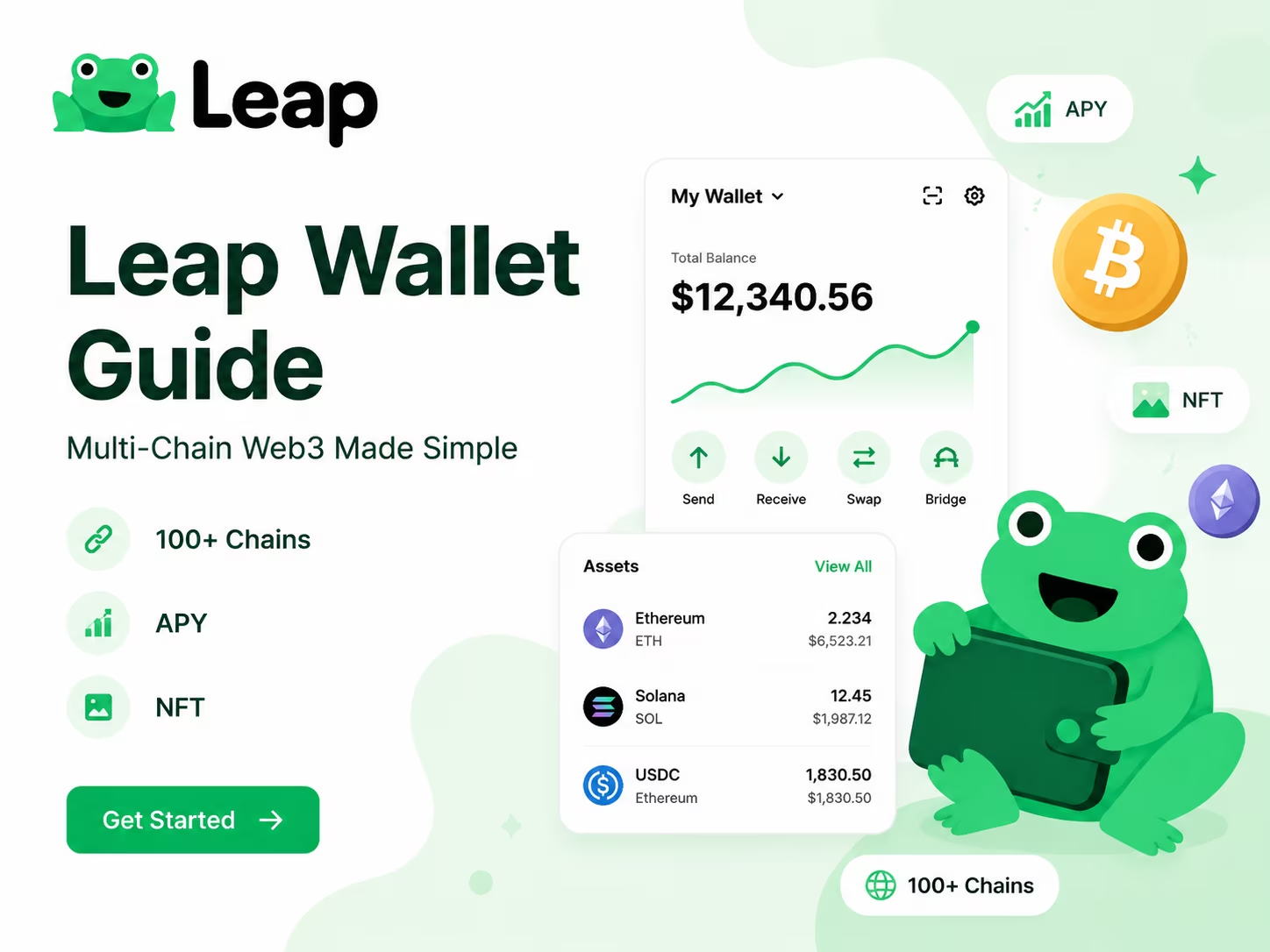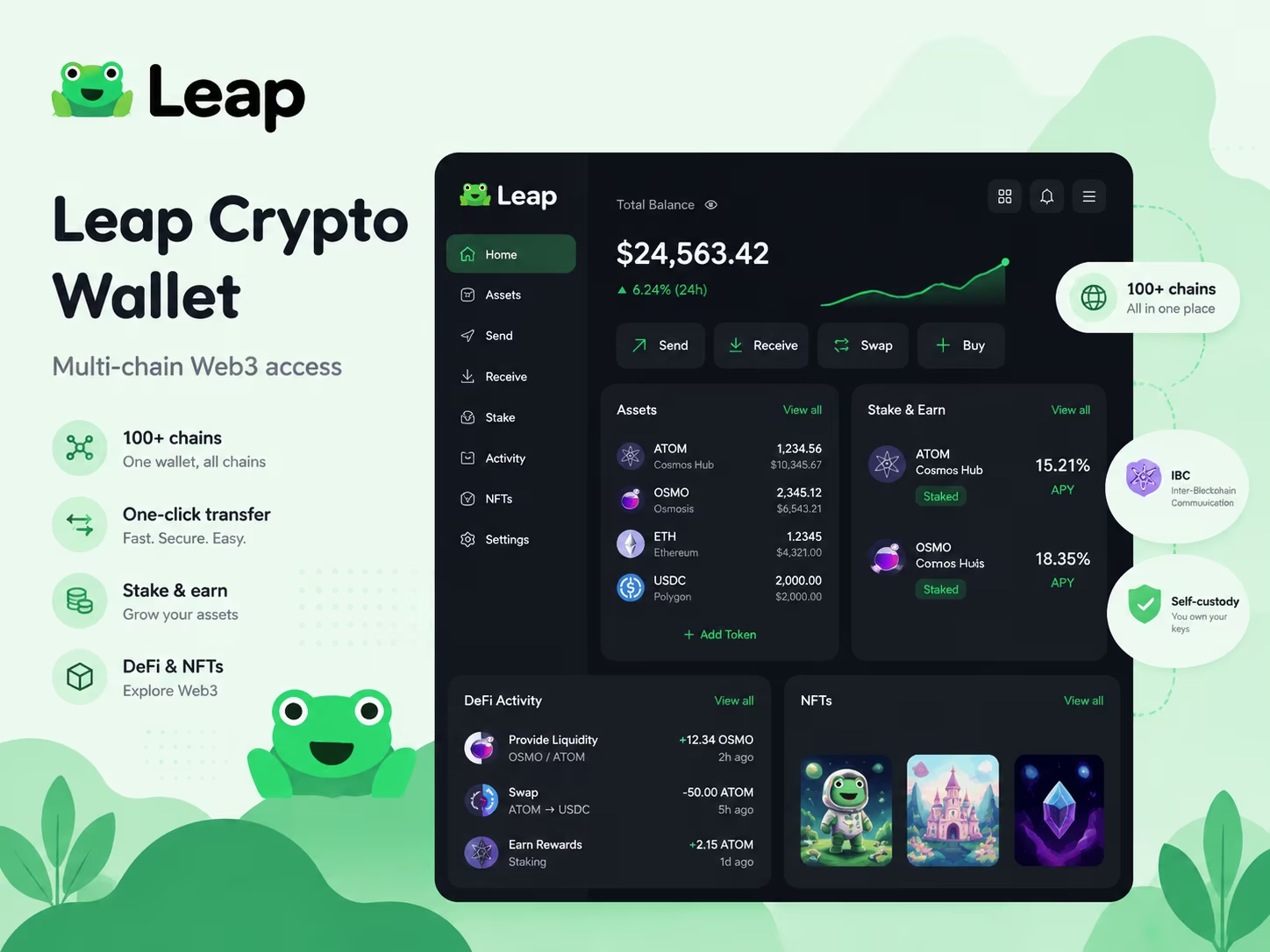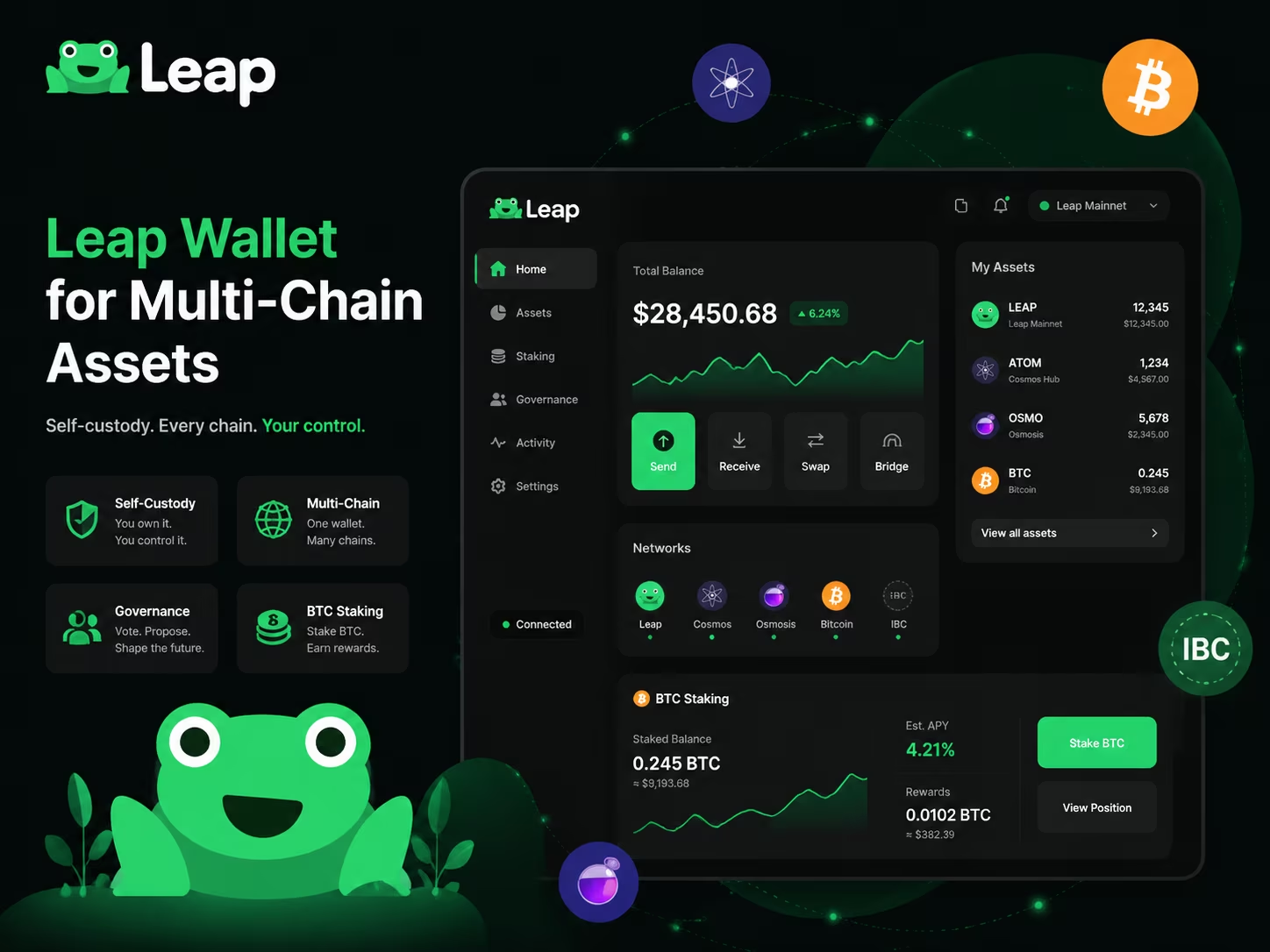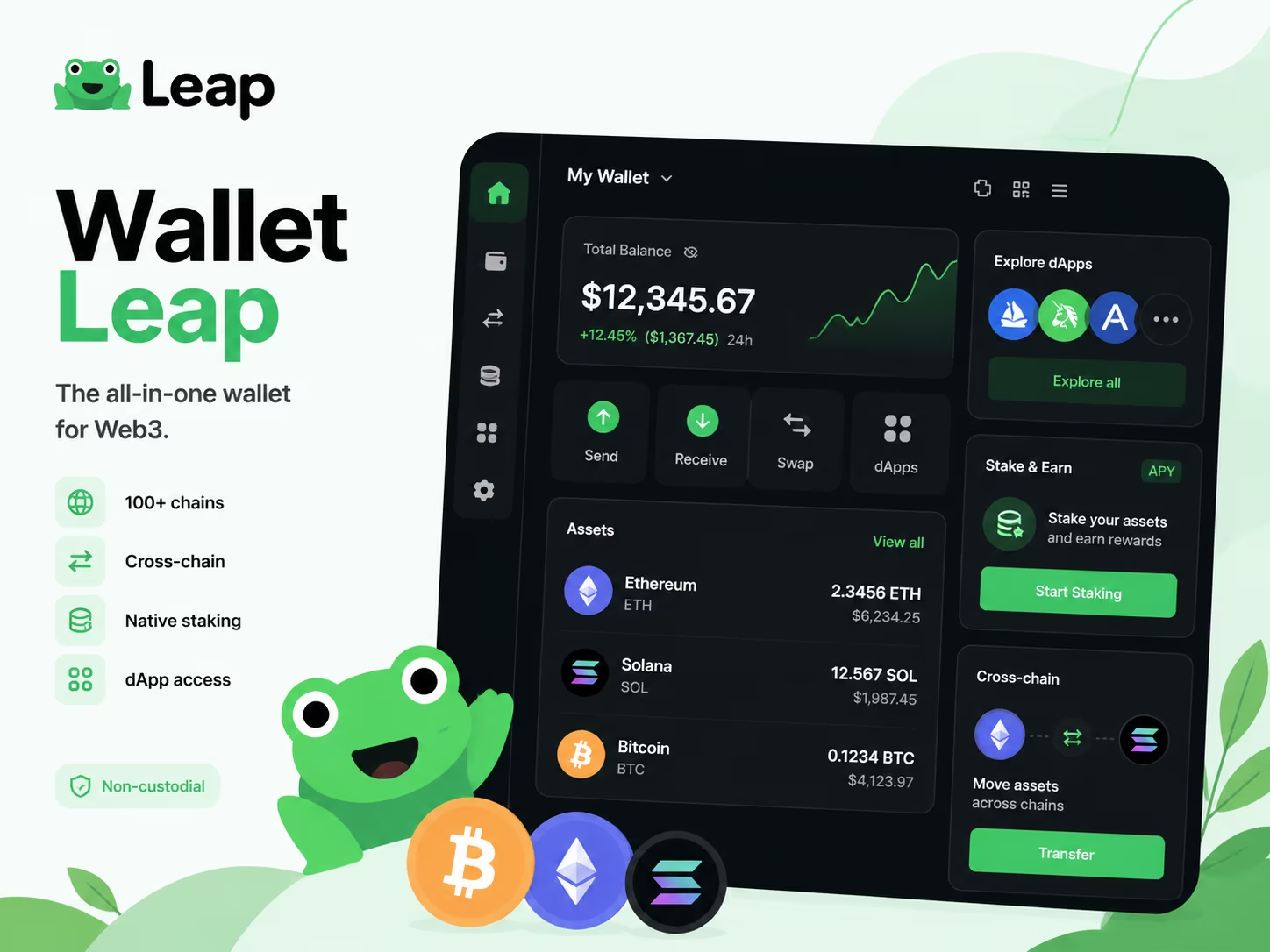
- Network Support: 100+ modular blockchains
- Transaction Fees: $0.05 - $0.25 (typical gas)
- Staking Yields: 7% to 20% APY
- Compliance: Non-custodial (User-controlled keys)
Leap Wallet is a premier self-custody solution designed for the Cosmos ecosystem, offering seamless access to over 100 modular blockchain networks. This powerful tool simplifies Web3 by integrating cross-chain transfers, native staking, and dApp connectivity into one interface. You gain full control over your private keys while navigating decentralized finance with professional-grade efficiency and security.
How Leap Wallet Fits the 2026 Web3 Wallet Trend
Leap Wallet does exactly one thing with zero compromise: it hands you a single non-custodial hub for sends, swaps, staking, and dApp connections across 100+ blockchains - no app-switching, no fragmentation, no excuses. The Web3 landscape in 2026 punishes single-chain thinking. Users want to stake on Cosmos, move assets over IBC, dig into DeFi protocols, and keep tabs on NFTs - all without opening a second app. Leap actually delivers that. Not as a tagline. As a working product.
The super wallet model isn't hype anymore - it's the baseline expectation. The Leap Wallet Documentation lays it out plainly: multi-chain management, IBC connectivity, and broad network coverage built for the kind of user who lives onchain. What makes the architecture genuinely useful is modularity. New networks slot in without forcing you to rebuild your entire workflow. That matters because the onchain environment keeps expanding, and your wallet either keeps pace or becomes a bottleneck.
So how does Leap Wallet actually work? Connect once. Get immediate access to the full Cosmos ecosystem plus dozens of additional chains. Swaps run inside the app - no redirects. Staking rewards surface in a single dashboard. dApp connections run on standard wallet protocols, so you don't need a separate browser extension for every network you touch. The mobile and extension interfaces are built to keep all of this fast and readable, not buried three menus deep or gated behind technical knowledge. For more context on where this fits the wider multichain wallet 2026 picture, the cross-chain usage trends are worth a look.
At its core, Leap works as a multi-chain wallet and a Web3 wallet built around one honest premise: fragmentation is the enemy. Five wallets, three bridges, two staking dashboards - that setup is where assets get lost, transactions get missed, and wrong-network errors quietly drain your time and money. Run everything through one well-maintained interface and those risks collapse fast. Fewer tools. Less noise. More actual control over what you own onchain.
Leap Wallet Core Features at a Glance
To manage your assets effectively in 2026, you need a tool that handles multi-chain complexity without sacrificing security. Leap Wallet functions as a non-custodial Web3 wallet, giving you full control over your private keys while providing a unified interface for over 100 networks. Whether you are staking for yield or swapping tokens via IBC bridges, the focus remains on a clean UX and direct on-chain interaction.
| Feature Category | Capabilities & Specifications |
|---|---|
| Network Support | 100+ (Cosmos, EVM, Solana, Bitcoin) |
| Security Model | Non-custodial (12/24-word mnemonic) |
| Staking & Governance | In-app APR tracking, validator choice, voting |
| Asset Management | Token swaps, IBC transfers, NFT gallery |
| Platforms | iOS, Android, Chrome Extension, Leapboard |
| Bridge Integration | Skip Protocol, Squid Router |
How to Start Using Leap Wallet
Setting up a reliable non-custodial Web3 wallet is the first step toward managing assets across multiple chains with full control. Follow these steps to get your wallet ready for the 2026 on-chain environment.
- Install the extension or mobile app. Download the official version from the Chrome Web Store or your mobile app store to ensure you are using a verified build.
- Create a new wallet or import an existing one. Choose "Create Wallet" to generate a fresh set of keys, or use your existing recovery phrase if you are migrating from another compatible provider.
- Secure your recovery phrase. Write down the 12 or 24 words on physical paper and store them offline. In 2026, digital theft remains the primary risk, so never store this phrase in cloud notes or screenshots.
- Set a strong local password. This password encrypts your keys on your specific device, providing a necessary layer of protection for daily transactions.
- Explore supported networks. Open the wallet interface to view integrated chains and start connecting to decentralized applications (dApps) for swapping, staking, or governance.
For detailed technical walkthroughs and specific wallet actions, refer to the Leap Wallet Documentation.
Connect your wallet
Leap Wallet ships as both a browser extension and a mobile app - two interfaces, one account, zero friction between your desktop DeFi sessions and everything you do on the go. The leap wallet extension plugs straight into your browser and handles transaction signing right there, no tab-switching, no address copying, no drama. The mobile crypto wallet mirrors those same accounts on your phone, same networks, same seed phrase holding it all together.
Connect WalletTypical Costs Inside Leap Wallet
Understanding the cost structure of your multichain wallet 2026 is straightforward because there are no hidden subscriptions or "pro" tiers. You pay only for the actions you take on the blockchain, while the core software remains a public good provided by the developers. Here is the breakdown of what you will actually spend when you swap tokens, wallet-to-wallet, or store crypto tokens.
| Service Type | Fee Range / Cost | Recipient |
|---|---|---|
| App Download & Setup | $0 (Free) | N/A |
| Network Gas Fees | Varies by Chain | Blockchain Validators |
| In-Wallet Token Swaps | 0.1% - 0.5% | Swap Aggregators |
| Fiat On-Ramp (Buy Crypto) | Provider Dependent | Third-Party Services |
| Subscription / Pro Plans | None | N/A |
Leap Wallet Security Basics for New Users
One rule runs everything in crypto security: your keys, your assets - full stop. Leap Wallet runs as a non-custodial Web3 wallet, meaning no third party ever touches your private keys or seed phrase. That weight lands entirely on you. Understand this before you do anything else, and you will sidestep the mistakes that wipe out new users faster than any market crash ever could.
Your seed phrase is the master key. Not a backup. The master key. When you first set up Leap Wallet, you get a 12- or 24-word mnemonic - and that string of words can restore your entire wallet on any compatible device. Which makes it both your most powerful recovery tool and your single greatest vulnerability. Write it on paper. Store copies in at least two physically separate locations. Never photograph it. Never paste it into a cloud app, a notes folder, or a messaging thread. As KuCoin News points out, disciplined mnemonic handling sits at the core of self-custody safety - lose the phrase, lose the funds. No support team on earth can reverse that.
Wallet backup is not a checkbox. It is a habit you maintain forever. Multi-chain activity, cross-chain bridges, dApp connections - every layer you add expands your attack surface. And phishing? Still the number-one threat vector, year after year. Attackers clone wallet interfaces pixel-for-pixel, fire off fake "verify your wallet" emails, and build copycat dApp sites that look absolutely identical to the real thing. The rule here is brutally simple: Leap Wallet will never ask for your seed phrase through a website, a pop-up, or a support chat. If anything asks for it - close the tab. Right now. Bookmark the official Leap Wallet site, verify URLs manually every time, and treat every unsolicited message about your wallet as a potential trap.
Controlling your private keys also means controlling what you sign. Every transaction approval inside Leap Wallet is a cryptographic signature - irreversible the moment you confirm it. Before you approve any dApp interaction, actually read what the contract wants. Unlimited token approvals, unrecognized contract addresses, requests that land through social media DMs - all red flags. Keep a dedicated wallet for high-risk dApp testing. Keep your main holdings in a wallet connected to as few applications as possible. These habits cost you nothing. They protect everything you have built onchain.
Why Analysts See Interoperable Wallets as Essential
Self-custody wallets that work across multiple chains are quietly running the engine of Web3 right now - and the numbers in 2026 leave no room for debate. When you can move assets, sign transactions, and connect to dApps across dozens of blockchain networks from one interface, the friction that kept mainstream adoption crawling simply evaporates. A wallet locked to a single chain forces you to juggle multiple apps, multiple seed phrases, multiple failure points. That is not a product. That is a trap.
The appetite for a solid wallet among Cosmos ecosystem users tells you exactly where the broader market is headed. Cosmos-based chains run on an interoperability-first architecture, and the people who build habits there expect that same cross-chain fluency everywhere else. When a wallet handles IBC transfers, staking, and governance across interconnected networks without forcing you to switch tools mid-session, it resets the baseline expectation for everyone. Other ecosystems are catching up to that standard - not the other way around. As the Leap Wallet Documentation makes clear, deep network compatibility sits at the core of the product's identity, not tacked on as a late-stage feature.
Being an easy Web3 wallet has nothing to do with gutting features. It means making genuinely complex on-chain actions feel obvious. The UX bar in 2026 has moved sharply upward. Users expect to stake, swap, bridge, and launch dApps without cracking open a manual - and wallets that deliver that experience keep users and build real trust. Wallets that fall short? Gone after the first session. The logic is blunt: every extra click, every confusing screen, every moment of hesitation is a conversion lost, and in a crowded market those losses compound fast. For a closer look at how this plays out in practice, see our breakdown on multichain wallet 2026.
Analysts tracking Web3 infrastructure keep circling back to the same two variables: self-custody and multichain reach. These are what separate wallets built to last from those that plateau and fade. Self-custody means your keys, your assets - no intermediary can freeze you out or restrict access on a whim. Multichain reach means your wallet expands with the ecosystem instead of going stale the moment a new network gains traction. Put those two properties together and you have what a serious Web3 wallet actually looks like in 2026. Missing either one? That is a real risk - and the time to fix it is before you need to, not after.
US Rules Users Should Understand
A non-custodial wallet in the US exists in a completely different regulatory universe than a custodial exchange - and that gap determines whether you'll ever see a KYC form attached to your wallet. When you hold your own keys through a self-custody tool like Leap Wallet, you're not operating under the Bank Secrecy Act's money transmitter framework. No mandatory KYC. No AML registration. No third party touching your funds. The wallet is just software. You own the assets. Full stop. That's the bedrock of self-custody, and US regulators have consistently drawn a hard line between unhosted wallets and custodial services.
The picture sharpened considerably in April 2024, when FinCEN formally pulled its 2020 proposed rulemaking - the one that would have forced verification and reporting requirements onto transactions between hosted and unhosted wallets. It never became law. Its withdrawal cleared away a major cloud of uncertainty hanging over self-custody users. What still stands is Treasury guidance - specifically SM1216 from the U.S. Department of the Treasury, which spells out BSA and Travel Rule record-keeping obligations for regulated financial institutions. Not for individual wallet holders. Under that guidance, covered entities - exchanges, on-ramps, the usual suspects - must apply enhanced due diligence and collect self-certification of wallet control for transactions over $3,000 involving unhosted wallets. That burden lands on the institution. Not on you.
Identity checks do show up for self-custody users, but only at the edges. Cross into regulated territory and the rules change fast. Use a fiat on-ramp to buy crypto? That provider almost certainly holds an MSB registration and will run KYC before touching your dollars. Move funds from a centralized exchange to your private key wallet? The exchange handles Travel Rule compliance on their side. Leap Wallet's role here is clean - the wallet never asks who you are. But the services you plug into might. That's not a weakness. That's the natural boundary between self-custody and the regulated financial system, and it's worth knowing exactly where that line sits.
The bottom line is simple. Using a non-custodial wallet in the US gives you full asset control with zero third-party KYC attached to the wallet itself. Your private keys stay yours, period. But the moment you step into regulated territory - buying with fiat, routing through a centralized exchange, or using a compliant DeFi interface that handles fiat conversion - expect identity checks on that service's end. Understand those boundaries, and the US regulatory landscape stops being a maze. It's just a map.
Common Friction Points and How Users Handle Them
Three things kill the Web3 wallet experience faster than anything else: sync delays that make your balance look like a lie, gas estimates that blindside you at the worst moment, and sloppy habits around your recovery phrase and wallet address that hand attackers exactly what they need. None of this has to wreck your day - but only if you understand the mechanics before they bite you.
Sync delays are where most users lose their minds first. You fire off a transaction, the network confirms it on-chain, and your wallet transaction history still shows the old balance or a ghost "pending" status. Why? The wallet UI pulls data from an indexer - and indexers on active chains like Cosmos or Osmosis can drag 15 to 90 seconds behind reality during heavy traffic. The fix costs you nothing: wait, then manually refresh. If it stretches past a few minutes, go straight to the chain explorer with your wallet address. That is your ground truth. The UI is a display layer; the explorer is the ledger. The Leap Wallet Documentation covers exactly this - how to verify transaction status when the interface falls behind the chain, and what supported wallet actions look like when everything is working correctly.
Gas estimation is the second place things go sideways. Cosmos-based chains run dynamic fee markets, which means the default gas estimate during a congested block is basically a polite guess. Accept it blindly on anything time-sensitive - staking, IBC transfers, a dApp interaction - and your transaction stalls or fails outright. Build one habit: add a 10-20% buffer on top of whatever the suggested gas limit shows. If you are using Leap as your IBC wallet for Web3, cross-chain transfers carry higher gas variance than single-chain moves, so that buffer matters even more on IBC routes. Get burned once. You will never skip it again.
The third category is pure discipline - and it has no workarounds. Phishing targeting Cosmos and EVM users has grown sharper and more personal: fake support pages built to look legitimate, browser extension spoofs that are nearly pixel-perfect, social engineering running through Discord and Telegram with alarming patience. The rule is absolute. Your wallet recovery phrase goes nowhere - no form, no chat window, no browser field, no screenshot, no cloud note. Write it down physically. Store it in more than one location. Treat it like the only key to a vault that cannot be re-keyed. Your wallet address, by contrast, is fully public - share it freely when receiving funds. But before confirming any outgoing transaction, check the first and last four characters of the destination address. Address poisoning attacks - where an attacker sends a tiny dust transaction from an address that visually mimics yours, hoping you copy it from your history - are active and growing. Three seconds of verification. That is the entire cost of this security upgrade.
Conclusion
Leap Wallet hands you a clean, self-custody entry point into Web3 - no developer background required, no compromises on control. If you've been hunting for a non-custodial Web3 wallet that bundles asset management, dApp connections, and multi-chain support into a single coherent tool, Leap fits the brief. Built for people who want real ownership over their crypto without the usual friction. Full stop.
The core value, stripped down to its bones: your keys stay with you, your assets move when you authorize them, and the interface doesn't treat new users like a liability. That's what a genuinely beginner-friendly wallet looks like in practice - not a tagline, but a structural product decision. Stake, swap, browse dApps, manage balances across supported networks. All from one place, without toggling between five different tools. The onchain environment keeps getting more complex, and the cost of user error is very real - so consolidated UX isn't a luxury anymore. It's the baseline.
Then there's security. Secure crypto storage in a self-custody model means the responsibility lands on you - and Leap is built to make that responsibility feel manageable rather than terrifying. Seed phrase control, zero third-party custody of your funds, clear transaction signing flows. These aren't features to brag about; they're the minimum architecture that keeps your assets yours. As Sidley Austin LLP points out in their legal breakdown of decentralized interface providers, the regulatory framing around non-custodial wallets keeps shifting - and wallets that keep users in direct control are increasingly on the right side of that conversation.
The bottom line is blunt: if you want a wallet that works, keeps you sovereign over your funds, and doesn't demand a technical degree to operate daily - Leap Wallet delivers. Start simple. Set up the wallet, lock down your seed phrase, connect to one dApp you actually use. Then build from there. Web3 doesn't have to be a maze. The right tool changes everything.
Import your old wallet
Stop switching between multiple apps. Securely import your existing seed phrase to Leap Wallet and manage all your crypto assets through one professional interface designed for the 2026 on-chain environment.
Connect NowParent Pillar
This support page targets the exact wallet leap query and links back to the Leap Wallet pillar to preserve one-keyword-one-URL structure.
Educational content only. Non-custodial wallet users are responsible for seed phrase backup, transaction review, dApp permissions, taxes, and network fees. Nothing here is financial, legal, or tax advice.
Frequently Asked Questions
What is Leap Wallet and what can it do?
Leap Wallet is a non-custodial Web3 wallet that lets you manage crypto assets, swap tokens, stake for yield, and connect to decentralized applications across 100+ blockchain networks from a single interface. It supports Cosmos, EVM, Solana, and Bitcoin ecosystems without requiring multiple separate tools.
Is Leap Wallet free to use?
Yes, downloading and setting up Leap Wallet costs nothing. You only pay variable network gas fees when executing on-chain transactions, plus a small routing fee of 0.1% to 0.5% when using the in-app swap feature. There are no subscription plans or pro tiers.
Does Leap Wallet require KYC or identity verification?
The wallet itself never requires identity verification because it is non-custodial software - you hold your own private keys and no third party controls your funds. KYC checks only apply if you use an integrated fiat on-ramp service, which is operated by a separate regulated provider.
How do I keep my Leap Wallet secure?
Write your 12- or 24-word recovery phrase on paper and store it in at least two separate physical locations - never in a cloud app, screenshot, or messaging thread. Always verify transaction details before signing, and never enter your seed phrase into any website, pop-up, or support chat.
Can I use Leap Wallet on both desktop and mobile?
Yes. Leap Wallet is available as a Chrome browser extension for desktop and as native apps for iOS and Android. Both platforms share the same account, the same supported networks, and full feature parity - set up once and use across all your devices without any duplicate configuration.
Crypto Wallet Research and Product Education
Leap Wallet Editorial Team
The Leap Wallet editorial team reviews wallet setup flows, self-custody risks, staking workflows, dApp permissions, and multi-chain asset management patterns for educational Web3 guides.
Hands-on coverage of non-custodial wallet setup, browser extension UX, mobile wallet workflows, Cosmos staking, IBC transfers, and dApp connection safety.
Wallet Safety Fact Check
Leap Wallet Security Review
Reviewed for seed phrase guidance, dApp permission risk, fee language, self-custody caveats, and local link integrity.