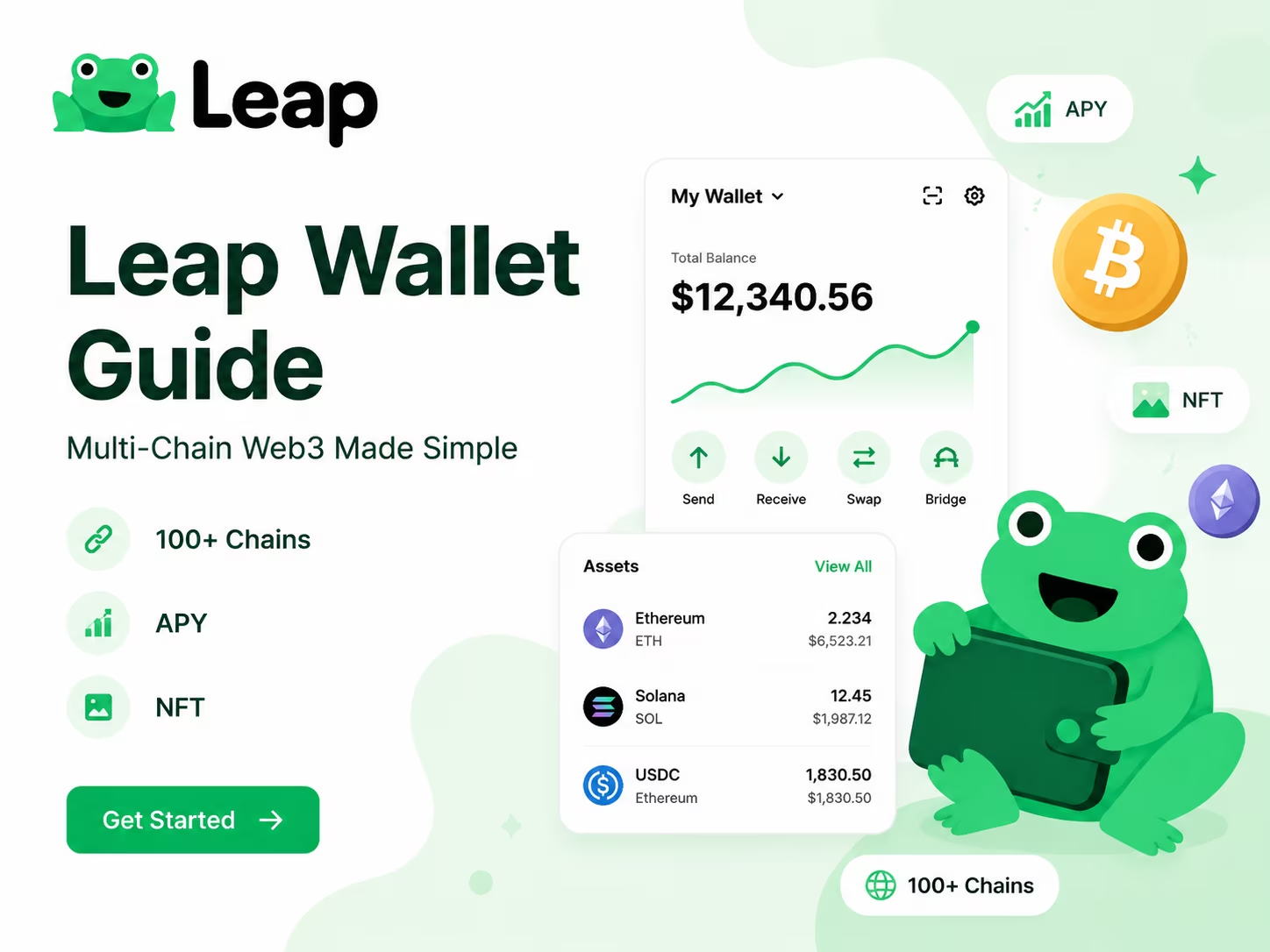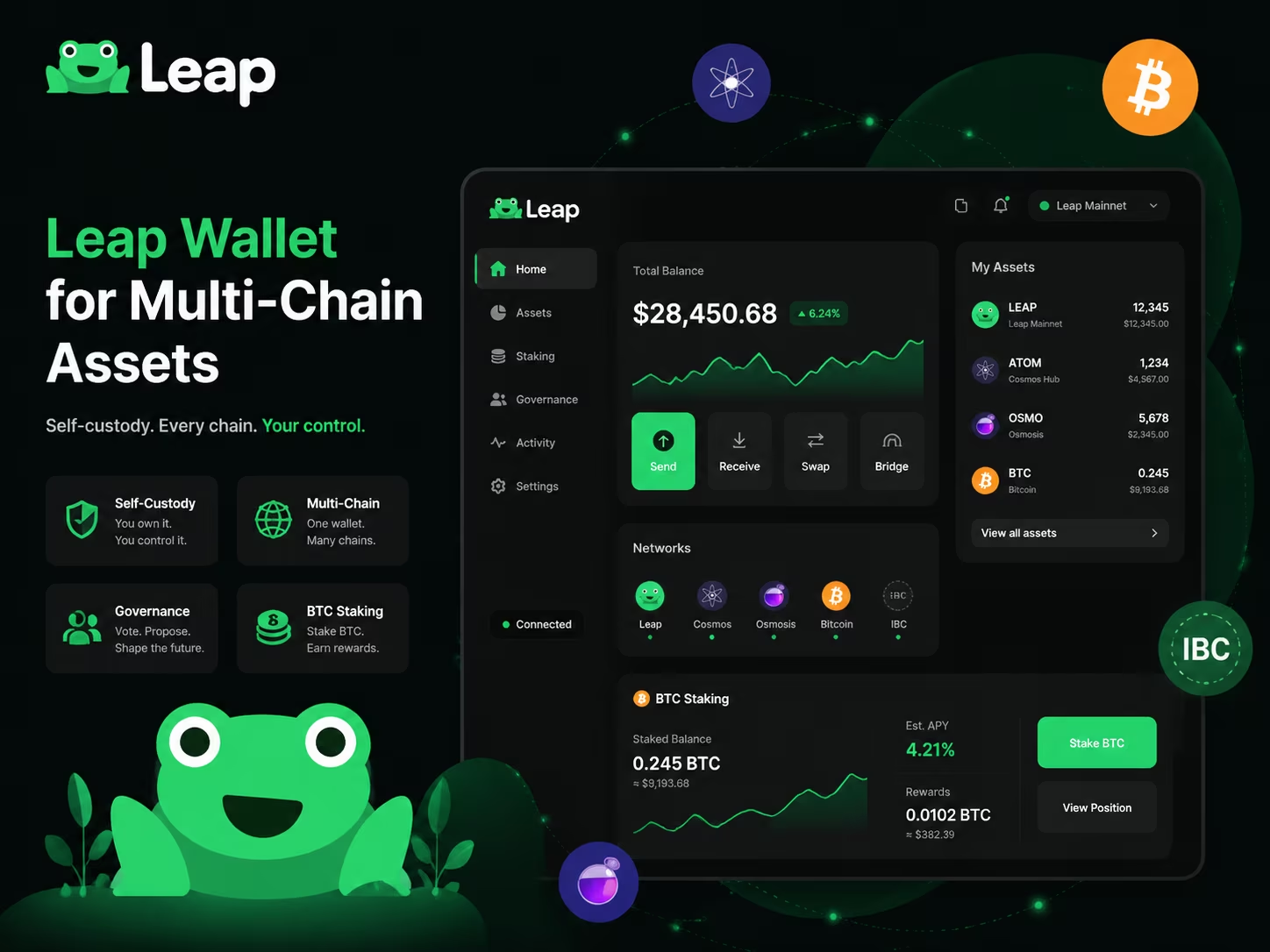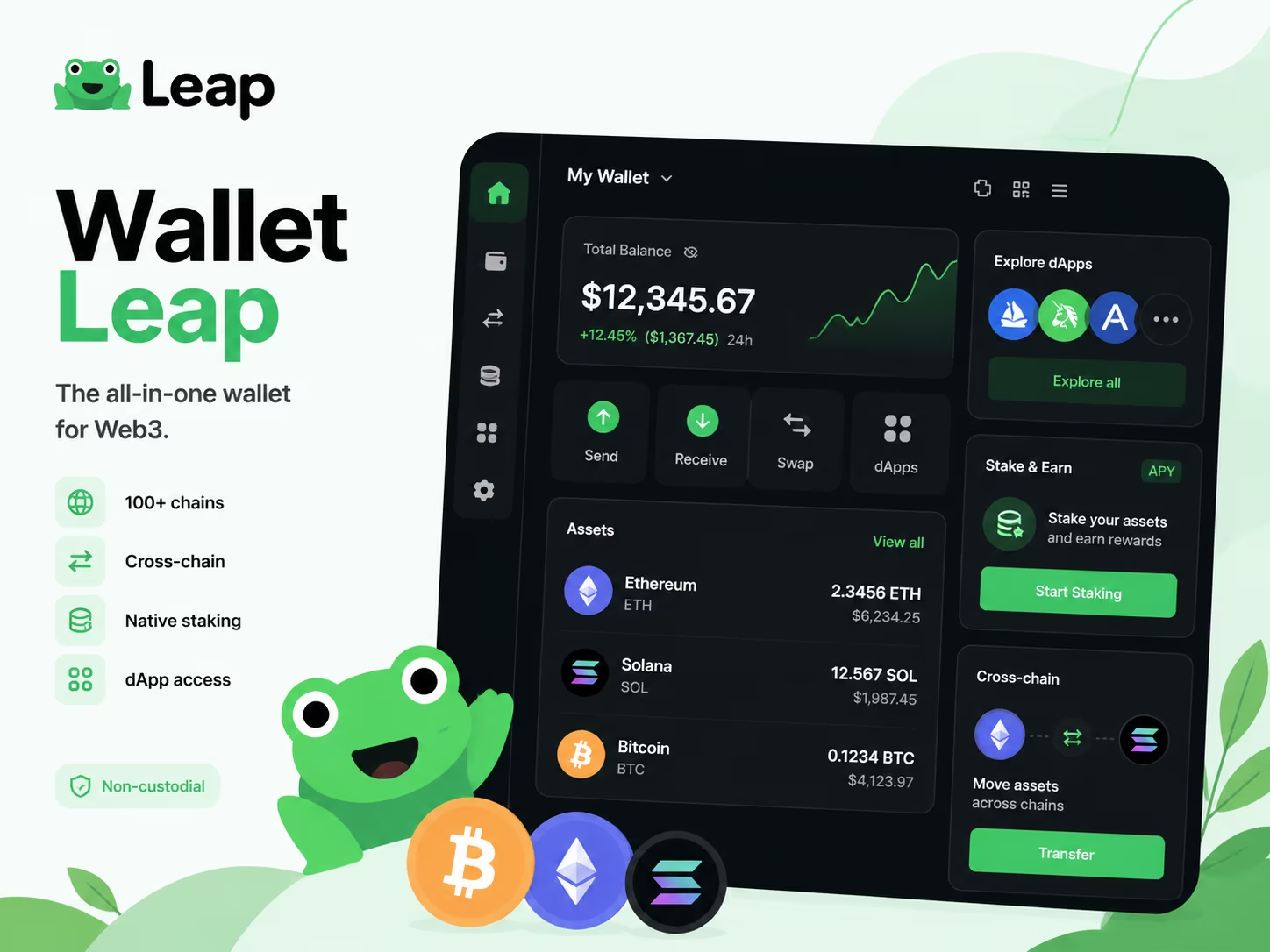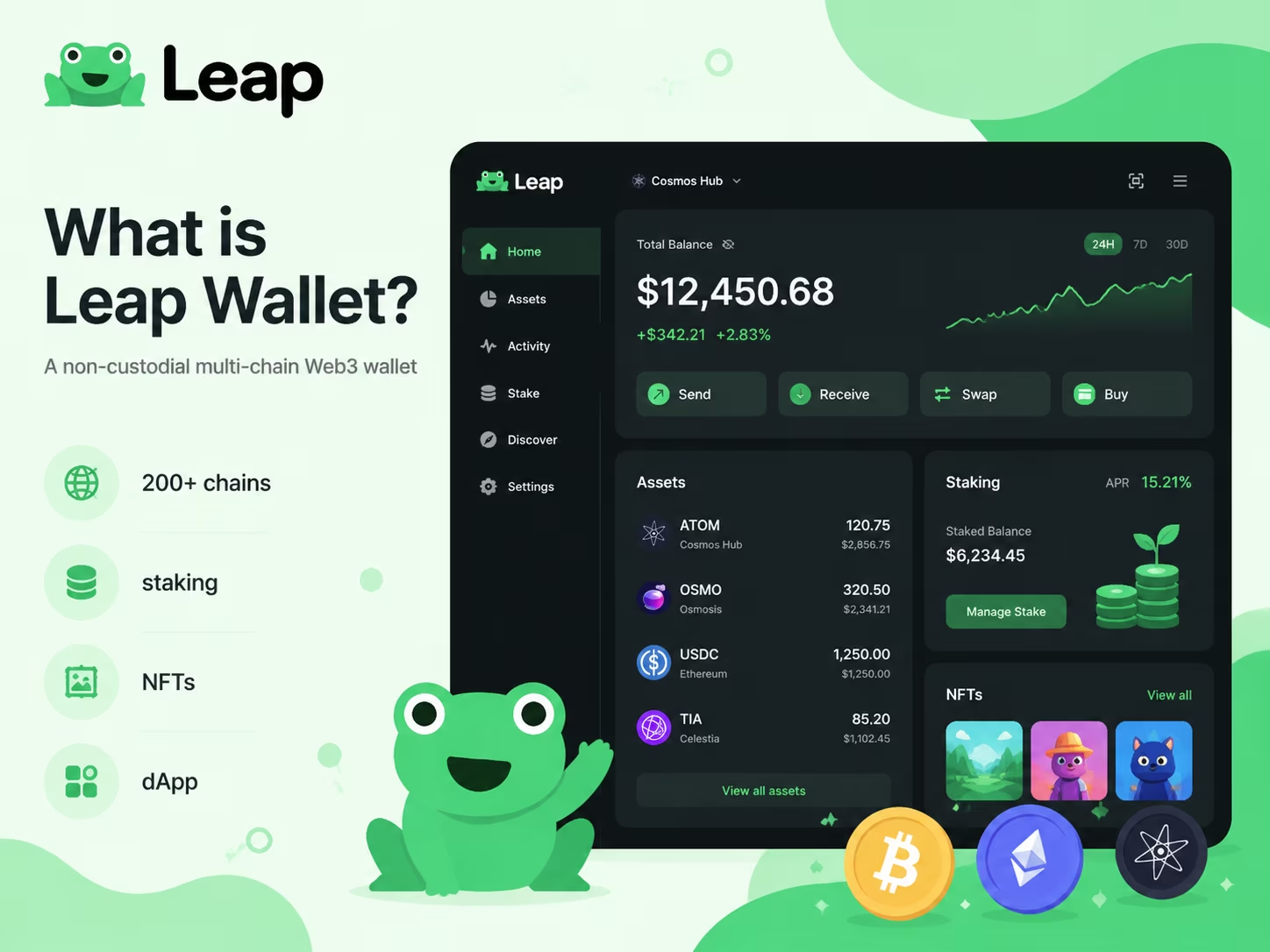
- Wallet Type: Non-custodial (Self-custody)
- Chain Support: 200+ blockchains (Cosmos, EVM, Solana)
- Core Security: Open-source client-side encryption
- Key Features: In-wallet staking, IBC swaps, and NFT galleries
- Compliance: No KYC required for software use
What is Leap Wallet? It is a non-custodial Web3 gateway designed to give you full sovereign control over digital assets across the Cosmos, Ethereum, and Solana ecosystems. By eliminating third-party custody, it ensures your private keys remain encrypted on your local device while providing seamless access to staking, liquid swapping, and NFT management across 200+ distinct blockchains.
How Leap Wallet Works as a Self-Custody Web3 Wallet
Leap Wallet puts your private keys exactly where they belong — on your device, under your control, with zero access granted to any third party, including Leap itself. That single architectural choice is what separates a genuine self-custody tool from an exchange wallet or custodial service. When you set up Leap, your seed phrase generates locally, your private keys derive locally, and every signature requires your explicit approval. Nothing moves without your direct action. As confirmed by Leap Wallet Official Documentation, that’s not a marketing claim — it’s baked into the technical foundation of how the wallet operates.
The seed phrase — 12 or 24 words — is the master key. Full stop. Lose it, and there’s no recovery path. No support ticket. No «forgot password» flow that brings your funds back. Leap encrypts the stored phrase with AES-256, locked behind a password you set at setup. That’s solid protection at the software level. But here’s the part that actually matters: if someone gets your seed phrase, they own your wallet. Completely. The security model has been independently reviewed by Halborn, SCV, and Sayfer — so you have a verified baseline to trust the implementation — but the operational security of that recovery phrase is entirely your responsibility. Write it down on paper. Store it somewhere physically secure. Never type it into anything connected to the internet.
Want an extra layer? Leap supports hardware wallet integration, tested with Ledger. In that setup, private keys never leave the hardware device. Leap sends signing requests to the Ledger; it never touches the key itself. This matters enormously. Even if your browser or phone gets compromised, the key stays isolated on the hardware. If you’re managing real assets across multiple chains, pairing a non-custodial crypto wallet with hardware signing isn’t just smart — it’s the setup that holds up under pressure.
Self-custody rewires how you think about Web3. You’re not a customer of a service. You’re the sole operator of your own financial infrastructure. Every dApp connection, every transaction approval, every staking action flows through your explicit confirmation. With onchain environments growing more complex and regulatory pressure mounting on custodial platforms, that architecture has shifted from ideological preference to practical advantage. The tradeoff is real and worth naming clearly: more control means more responsibility. Understand your seed phrase situation before moving any meaningful value into this wallet.
Leap Wallet at a Glance
To navigate the complex Web3 landscape of 2026, you need a tool that simplifies multi-chain interactions without compromising security. Leap Wallet provides a non-custodial gateway to over 100 networks, consolidating your assets, staking rewards, and NFT collections into a single interface. Below is a breakdown of the core Leap Wallet features designed to streamline your on-chain activity.
| Feature Category | Capabilities & Details |
|---|---|
| Wallet Type | Non-custodial (Self-custody) |
| Network Support | 100+ (Cosmos, Solana, ETH, BTC) |
| Staking & Governance | In-app APR tracking & voting |
| NFT Management | Gallery, floor prices, transfers |
| Cross-Chain Tools | IBC transfers & Skip/Squid swaps |
| Platforms | Extension, iOS, Android, iPadOS |
How to Start Using Leap Wallet
Setting up a non-custodial Web3 wallet is the first step toward managing your assets across multiple chains with full autonomy. In 2026, security standards require a precise approach to seed phrase management and dApp permissions. Follow these steps to get started correctly:
- Install the application. Download the Leap Wallet extension for your browser (Chrome, Brave, or Edge) or install the mobile app from the official store. Always verify the developer name to avoid phishing clones.
- Create a new wallet or import an existing one. Select «Create Wallet» to generate a fresh set of keys. If you already have a seed phrase from another compatible wallet, use the «Import» option to sync your balances.
- Secure your recovery phrase. Write down the 12 or 24-word mnemonic phrase on physical paper. In the current on-chain environment, storing this digitally—even in encrypted clouds—exposes you to unnecessary risks. This phrase is the only way to recover your funds if you lose access to your device.
- Set a strong local password. Create a unique password to unlock the wallet on your current device. This adds a layer of protection against local unauthorized access but does not replace your recovery phrase.
- Select your active networks. Choose the blockchain ecosystems you plan to interact with. Leap allows you to toggle between different chains seamlessly, simplifying the UX for multi-chain portfolio management.
- Verify security settings. Enable biometric authentication on mobile or hardware wallet support (like Ledger) on the desktop extension. Confirm that your setup is complete by performing a small test transaction before moving significant capital.
What You Can Do Inside Leap Wallet
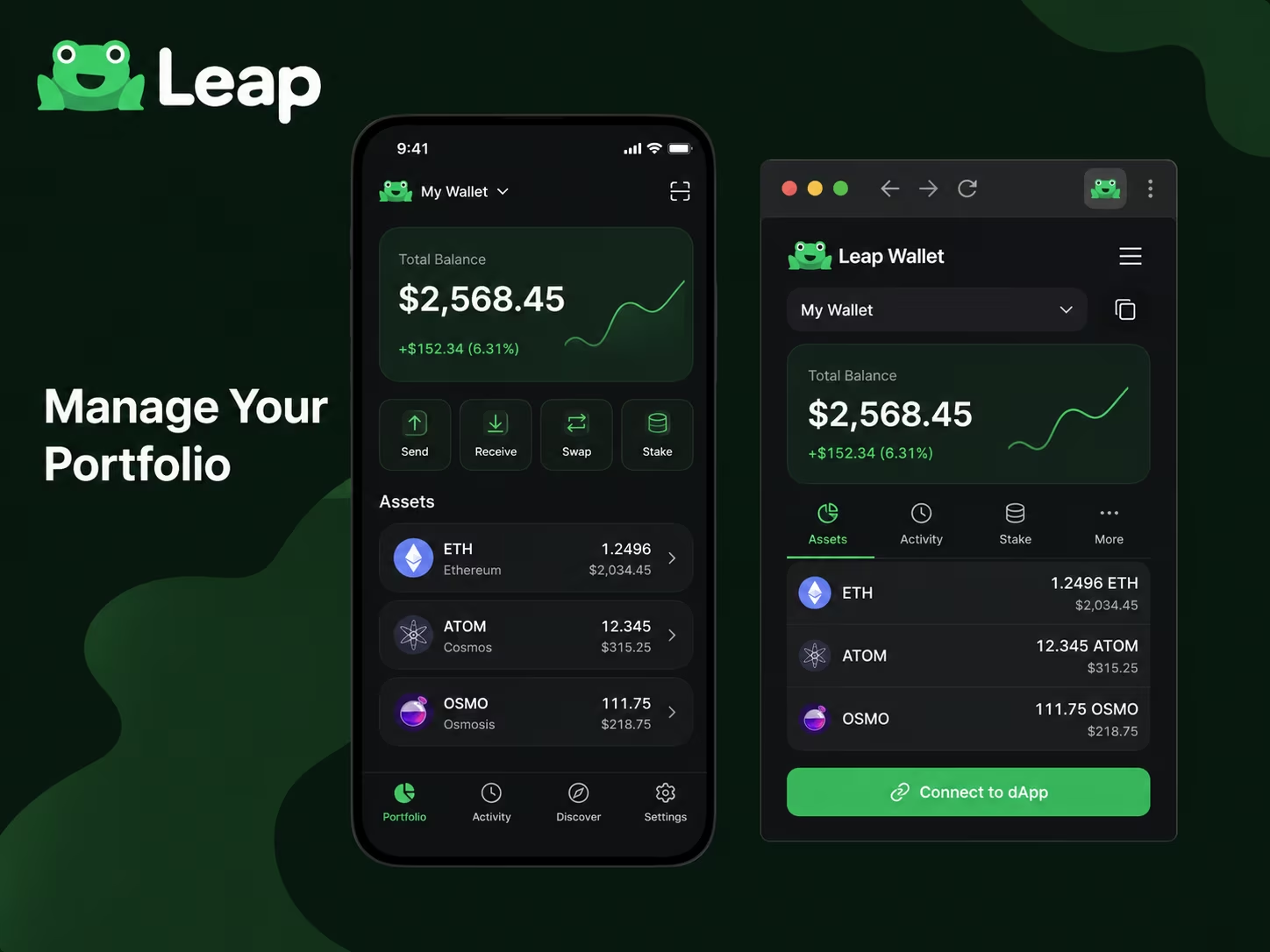
Leap Wallet hands you a complete toolkit — staking, NFTs, swaps, dApp connections, cross-chain transfers — and never once asks you to surrender your private keys. That’s the whole point. You stay in control. No third party sitting between you and your funds, no custodian making decisions on your behalf. Just you, your keys, and a clean interface that actually works.
The two things every user does first: send and receive crypto. Leap keeps both dead simple. Sending means entering a destination address, specifying an amount, and confirming the fee — done. Receiving means sharing your wallet address or flashing a QR code. For anyone operating inside Cosmos-based networks, there’s native IBC transfer support baked right in, so moving assets across chains within the ecosystem requires zero extra tools, zero separate bridge platforms. The Leap Wallet Official Documentation confirms this — cross-chain transfers are handled natively, not bolted on as an afterthought.
Then there’s staking, and it’s genuinely one of the wallet’s strongest suits. You delegate tokens to validators without ever leaving the app, watch rewards accumulate in real time, and claim or compound earnings in a few taps. Why does this matter? Because staking through a wallet you personally control is categorically safer than handing assets to a centralized platform and hoping for the best. Your tokens stay in your custody the entire time — full stop. Beyond staking, Leap lets you browse and manage NFTs linked to your addresses, run in-wallet swaps across supported assets, and track your full portfolio across multiple chains from one dashboard. For a thorough end-to-end breakdown, the Leap Wallet features overview covers everything in detail.
Last piece of the puzzle: dApp connectivity. Leap functions as a Web3 connector — visit a DeFi protocol, an NFT marketplace, or a governance portal, and you authorize the connection straight through the wallet. No friction, no workarounds. The browser extension handles desktop connections seamlessly, while the mobile app ships with a built-in dApp browser so you’re never stuck waiting to get back to a computer. One wallet. Every interaction. Your keys, your rules.
Connect your wallet
To manage your assets across supported blockchain ecosystems and interact with Web3 dApps securely, use the local Leap Wallet connection flow.
Connect WalletMain Costs Users Should Expect
Understanding the cost structure of your Web3 activities is essential for managing your portfolio efficiently. Fees are generally split between the blockchain network (gas) and the service providers (swaps or on-ramps). In the 2025–2026 on-chain environment, choosing the right network can reduce your transaction costs by over 90%.
| Activity Type | Estimated Cost / Fee | Key Details |
|---|---|---|
| Solana Network Gas | < $0.00025 | Ultra-low cost for transfers and interactions. |
| Ethereum Mainnet Gas | $2.00 – $20.00+ | Highly volatile based on network congestion. |
| L2 Networks (Base, Arbitrum, Polygon) | $0.01 – $0.50 | Efficient scaling solutions for frequent trading. |
| In-App Token Swaps | 0.85% – 1.5% | Standard routing fee; 1.5% for gasless mobile swaps. |
| Cross-Chain Bridging | ~0.3% + Gas | Provider fee plus gas costs on both source and destination. |
| Fiat On-Ramp (Card/Bank) | 1% – 5% | Bank transfers are cheaper (1-2%) than card payments. |
Data Source: The Markets Unplugged — Detailed breakdown of network gas fees, swap routing, and bridge costs
Is Leap Wallet Legal and KYC-Free in the United States?
Leap Wallet is completely legal in the United States, and as a non-custodial wallet, it requires zero KYC from its users. Hold your own private keys and you are exercising a right US regulators have consistently respected: self-custody of digital assets is not a regulated financial service. No federal agency — not the SEC, not FinCEN, not the CFTC — has ever pushed through a rule forcing wallet software to collect your identity documents. That is the bedrock legal reality. Full stop.
The regulatory picture has actually sharpened in recent years, not muddied. FinCEN floated a proposal back in 2020 that would have imposed reporting requirements on transactions involving self-hosted wallets — it was never finalized into a KYC mandate for wallet software. On the CFTC side, 2024 guidance confirmed that qualifying non-custodial crypto wallet developers fall outside broker registration requirements, provided they meet certain conditions. The SEC has signaled the same. As Phemex reports, the CFTC is actively moving to codify these protections — a meaningful step toward long-term clarity for the entire self-custody sector.
KYC does show up in this ecosystem, but only at the edges — never inside the wallet itself. Use a third-party fiat on-ramp, a payment partner that lets you buy crypto with a bank card or transfer, and that partner runs its own identity verification. That is standard across the industry. The compliance obligation sits with the on-ramp provider, not with Leap. Once crypto lands in your Leap Wallet address, you are back in pure self-custody territory: no intermediary, no custodian, no identity checkpoint between you and your assets. That separation is precisely what wallet regulation in the USA currently respects.
For US users, the practical picture is clean. Download Leap Wallet, create a wallet, stake assets, connect to dApps, manage NFTs, send and receive tokens across supported chains — all without handing over a single identity document to the wallet itself. Secure your seed phrase. Understand that on-ramp partners carry their own compliance flows. And keep an eye on how wallet regulation continues to develop through 2026. The direction of travel — especially with the CFTC formalizing non-custodial protections — points toward more clarity, not more restriction, for self-custody tools like Leap Wallet.
Why Experts See Multi-Chain Self-Custody Growing
Self-custody Web3 wallets are eating the market — and multi-chain capability has stopped being a selling point and started being the minimum requirement. Blockchain ecosystems keep multiplying. Users scatter assets across Cosmos, Ethereum, and a dozen chains beyond that. The demand for one clean interface that handles everything without surrendering your keys to a third party? That is not a niche preference anymore. That is the product requirement. On-chain analysts tracking the numbers keep landing on the same pattern: users managing assets across more than two networks are the fastest-growing segment in the non-custodial wallet space. Full stop.
Staking is a massive part of what is driving this. When you stake directly from a non-custodial Web3 wallet — without routing funds through a centralized exchange — you keep full control of your rewards and your principal. No middleman sitting between you and your yield. That distinction carries more weight now than it did two years ago, because regulatory pressure on custodial staking services has made self-custody the structurally sounder long-term position. And wallets that support native staking across multiple chains cut friction dramatically. You are not juggling five separate apps or memorizing five separate seed phrases. One interface, multiple networks, full ownership. Simple math.
The dApp connection layer matters just as much. As Leap Wallet’s official documentation makes clear, genuine multi-chain and interoperability support transforms a wallet from a single-chain utility into a real Web3 operating hub. When you connect to a DeFi protocol, an NFT marketplace, or a governance portal, the quality of that handoff depends entirely on how well your wallet handles chain-specific transaction formats, gas estimation, and signing flows. A wallet built with interoperability at its core does not fumble those handoffs. That is precisely why power users and developers have started treating a well-built multi-chain wallet as infrastructure — not just a place to park tokens.
The broader picture is not subtle. The on-chain environment is getting more complex, not less — more chains, more protocols, more assets, more attack surfaces. In that context, a well-designed multi-chain wallet that keeps you in control, supports staking natively, and connects cleanly to dApps is not a convenience. It is a strategic tool. If you are assembling your Web3 stack right now, the question is not whether to use self-custody. That debate is settled. The real question is which wallet gives you the coverage, the UX, and the security model to operate confidently across the full landscape.
Key Risks and Security Habits for Beginners
Three mistakes drain beginners’ wallets faster than any market crash: exposing the recovery phrase, blindly signing token approvals, and connecting to fake dApps without a second thought. These aren’t edge cases. They happen daily, and the losses are permanent. No chargebacks. No support tickets. No second chances. Getting serious about wallet security in 2026’s onchain landscape means understanding exactly where the traps are — before you walk into one.
Your recovery phrase — sometimes called a seed phrase — is the absolute master key to your funds. Whoever holds it, owns the wallet. Period. Write it on paper. Store that paper somewhere physically safe. Never type it into any website, app, or chat window — not even one that looks official. No legitimate dApp, no real support team, and no wallet interface will ever ask for it. And here’s the part most beginners miss: wallet backup isn’t a one-time task you check off and forget. It’s an ongoing responsibility. Lose your device without a properly stored phrase, and there’s no recovery path. Leap Wallet, like every non-custodial wallet, cannot restore access on your behalf. That’s not a limitation — that’s the entire point of self-custody.
Token approvals are sneakier. Less obvious, equally dangerous. Every time you interact with a DeFi protocol or NFT marketplace, you’re often signing a transaction that hands a smart contract permission to move your tokens. Many beginners approve unlimited amounts without reading a single line of what they’re signing. A malicious or compromised contract can then drain the wallet whenever it wants — silently, instantly, completely. The habit worth building: read every approval before you sign it, revoke unused permissions regularly using onchain tools, and treat each approval like the financial decision it actually is. As KuCoin Blog points out, how clearly a wallet surfaces approval details is one of the real differentiators worth evaluating when choosing a Web3 wallet.
Fake balance scares and phishing dApps round out the threat picture. See an unexpected token appear in your wallet with a suspiciously large balance? Don’t touch it. That’s a scam token engineered to pull you toward a malicious contract the moment you try to interact with it. On the dApp side, always verify the URL before connecting your wallet — bookmark the sites you use regularly, and disconnect from dApps you’ve stopped using. Features like connection management and permission visibility exist for exactly this reason: to keep you in control of your exposure. The rule is blunt and it works. If you didn’t initiate it, don’t trust it.
Staking, NFTs, and Cross-Chain Activity in Everyday Use
Leap Wallet collapses staking, NFT management, and cross-chain activity into one dashboard — no more juggling five tools to track a single portfolio. As a dedicated crypto staking wallet, it covers 100+ chains with live APR data shown per validator, so you can actually compare yield before committing a delegation. One-click reward claiming and auto-restaking keep your assets compounding on their own. Governance voting slots directly into the same flow — cast your vote on proposals without bouncing out to an external site.
The NFT side hits harder than most users anticipate. Leap renders full image and video previews inside the gallery — not just token IDs floating in a void. Collection floor prices on Stargaze and Aura update in real time, and you can list assets directly from the interface. That’s a real difference. As noted by KuCoin Blog, the NFT gallery pairs price tracking on Stargaze and Aura with full cross-chain swap functionality across Cosmos, EVM, and Bitcoin via Babylon protocol — production-ready, not a half-built preview layer.
Cross-chain asset management is where the architecture earns its keep. Leap handles IBC-compatible transfers natively, bridges to Ethereum, and runs token swaps across multiple networks — all from the same screen. No copying addresses between block explorers. No manual bridging through a third-party site. For anyone holding assets across Cosmos, EVM chains, and Bitcoin at once, that unified view cuts both friction and the kind of small errors that get expensive fast. The IBC wallet for Web3 overview breaks down exactly how the browser interface handles these multi-chain flows if you want the granular picture.
Here’s the bottom line. Staking, NFTs, and cross-chain swaps aren’t separate modules duct-taped together — they share one live portfolio dashboard that refreshes in real time. On-chain environments keep getting more complex, and users keep spreading assets across more networks. That kind of consolidated UX isn’t a premium feature anymore. It’s the floor. Full visibility, fewer context switches, a cleaner decision loop — whether you’re making your first delegation or actively managing positions across a dozen chains.
Conclusion
Leap Wallet earns its place as a genuinely trustworthy non-custodial Web3 wallet — whether you’re setting up self-custody for the first time or already juggling assets across five different chains. You hold the private keys. You sign every transaction. No centralized platform can freeze your funds, block a withdrawal, or demand ID before you move your own money. That’s not a feature — that’s the entire point. And Leap delivers it without burying beginners under a wall of technical friction.
Self-custody is freedom. It’s also weight. There’s no password recovery, no support team that can fish your seed phrase out of a database, and no safety net for user error. Phishing interfaces are getting frighteningly convincing. Fake dApps look real. Leap fights back with transaction previews, network warnings, and explicit permission prompts — but those tools only work if you’re paying attention. Store your recovery phrase offline. Physically. Verify every dApp before you connect. Treat wallet access like you treat the PIN to your entire financial life. The wallet holds the tools; the security comes from you.
For anyone wondering what Leap Wallet actually offers day-to-day — staking, NFT management, token swaps, multi-chain dApp connections, clean mobile UI, solid browser extension. All of it accessible without an engineering degree. The interface doesn’t condescend to beginners, and it doesn’t limit power users either. Go shallow or go deep — the wallet accommodates both. If Leap fits your setup comes down to one honest question: are you ready to own your keys? If yes, it suits you. For a complete breakdown of everything the wallet covers, the detailed Leap Wallet features overview is worth your time.
Bottom line: Leap is a focused, actively developed piece of Web3 infrastructure with real multi-chain reach and a growing dApp ecosystem. Not a passive app you open once a month. Active infrastructure for on-chain life. Use it with intention, lock it down properly, and it becomes one of the most dependable tools in your entire Web3 stack.
Import your old wallet
Switch to a more efficient on-chain experience. Import your existing seed phrase to Leap and start managing your assets, staking, and dApp connections with a superior browser extension interface designed for 2026 security standards.
Connect WalletLeap Wallet Pillar Cluster
This support article answers the exact what is Leap Wallet query and links back into the main Leap Wallet content cluster.
Educational content only. Non-custodial wallet users are responsible for seed phrase backup, transaction review, dApp permissions, taxes, and network fees. Nothing here is financial, legal, or tax advice.
Frequently Asked Questions
Is Leap Wallet a non-custodial wallet?
Yes. Leap Wallet is fully non-custodial, meaning your private keys are generated and stored locally on your device. Leap never has access to your keys or funds — every transaction requires your explicit approval.
Which blockchains does Leap Wallet support?
Leap Wallet supports over 100 blockchain networks, including 80+ Cosmos SDK chains, Ethereum and EVM-compatible networks, Solana, and Bitcoin. You can manage assets across all supported chains from a single unified interface.
Can I stake crypto directly inside Leap Wallet?
Yes. Leap Wallet has built-in staking functionality that lets you delegate tokens to validators, track real-time APR data, claim rewards, and participate in governance voting — all without leaving the app or using a third-party platform.
Does Leap Wallet require KYC or identity verification?
No. Leap Wallet itself requires zero KYC or identity documents. As a non-custodial wallet, it is not classified as a financial service provider. KYC only applies if you use an integrated third-party fiat on-ramp partner to purchase crypto with a bank card or transfer.
How do I keep my Leap Wallet secure?
Write your 12 or 24-word recovery phrase on paper and store it in a physically secure location — never digitally. Always verify dApp URLs before connecting, review every token approval before signing, and consider pairing Leap with a hardware wallet like Ledger for an additional layer of key isolation.
Crypto Wallet Research and Product Education
Leap Wallet Editorial Team
The Leap Wallet editorial team reviews wallet setup flows, self-custody risks, staking workflows, dApp permissions, and multi-chain asset management patterns for educational Web3 guides.
Hands-on coverage of non-custodial wallet setup, browser extension UX, mobile wallet workflows, Cosmos staking, IBC transfers, and dApp connection safety.
Wallet Safety Fact Check
Leap Wallet Security Review
Reviewed for seed phrase guidance, dApp permission risk, fee language, self-custody caveats, and local link integrity.